

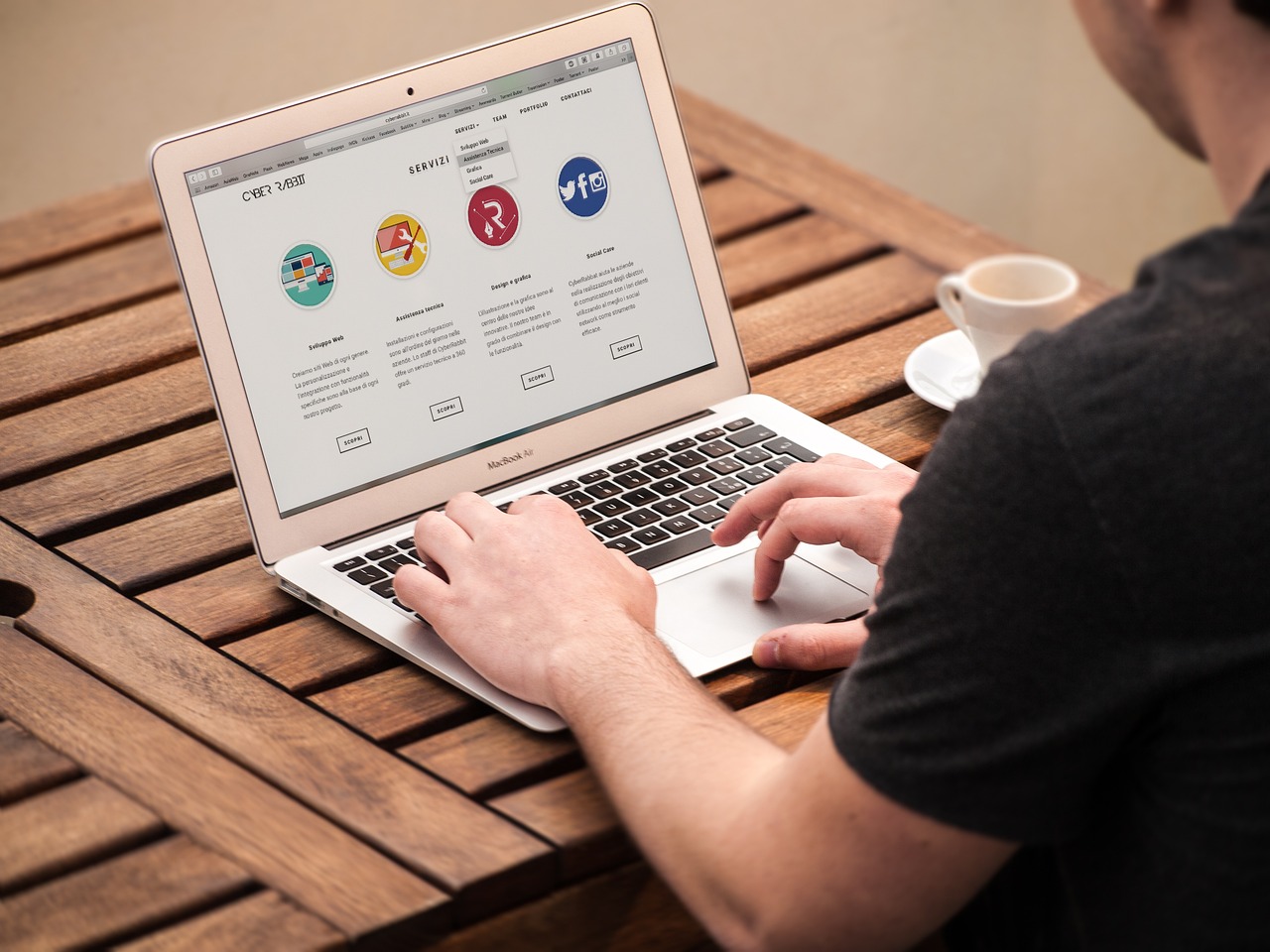
Quick answer: Hostinger Website Builder is a reasonable choice for a small business that wants a simple site, hosting and a domain in one package, without hiring a developer. It offers a drag-and-drop editor, AI tools, templates and basic ecommerce. It is less suitable if you need heavy customization, complex integrations or full control of the code. Prices change often, so check the current plan page before buying.
Last reviewed October 21, 2026. Features below come from Hostinger’s own website builder page. I have not run a full hands-on test for this update, and vendor pages describe what the company offers, not independent results.
What Hostinger says the builder includes
| Area | What Hostinger describes |
|---|---|
| Editor | Drag-and-drop editing, plus an AI mode where you describe the site you want |
| Templates | A library of designer-made templates (the page quotes different totals in different places) |
| Ecommerce | Sell products or services with inventory and order management, and a stated 0% transaction fee |
| Hosting and domain | Hosting, free SSL and a free first-year domain on eligible plans |
| Marketing and SEO | Built-in SEO tools and integrations with Google Analytics, Google Ads and Meta Pixel |
| Business mailboxes included for a period, depending on plan | |
| Support | 24/7 support and a stated 30-day money-back guarantee |
Who it suits
- Local businesses, freelancers and consultants who need a clean brochure site fast.
- Small online stores with a modest catalog.
- Owners who want one provider for site, hosting, domain and email.
When to choose something else
- You plan a large content site or need deep SEO control. A self-hosted WordPress site gives more flexibility.
- You need custom code, unusual plugins or complex membership features.
- You want to move the site later. Check export options first, since builder sites are not always easy to migrate.
What to check before you buy
- Renewal price. Promotional first-term pricing usually differs from the renewal rate. Read both.
- Plan limits. Compare the number of sites, mailboxes and ecommerce features per plan.
- Domain terms. A free first-year domain renews at the standard price afterwards.
- Your own checklist. Make sure it covers mobile layout, page speed, contact forms, privacy policy and analytics before launch.
If you are comparing options for a business website, I also cover the best blogging platforms and how to start a blog step by step.
Frequently asked questions
Is Hostinger Website Builder good for beginners?
It is designed for non-developers, with a visual editor and AI-assisted setup. You will still need to write clear page copy and check the mobile view yourself.
Can I sell products with it?
Hostinger lists ecommerce features on its builder plans. Confirm the product limits, payment methods and fees for your plan and country.
Will it rank on Google?
A builder can provide the technical basics, but rankings depend on useful content, relevance and competition. No tool guarantees results.
Pingback: Bluehost Webmail Login: How to Access Your Email (Step by Step)
Pingback: mijn.host Contact: How to Reach Support and Get Faster Answers