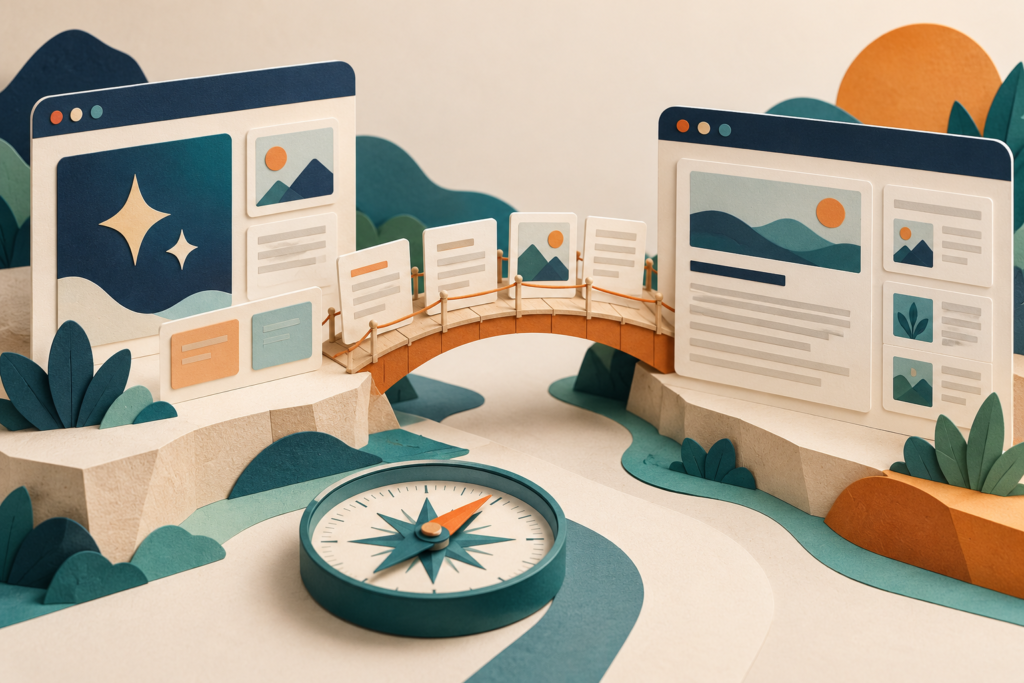
How to Migrate an AI Site to WordPress and Preserve SEO
Move an AI-built website to WordPress with a URL map, content checks, redirects, launch tests and a rollback plan that reduces SEO risk.
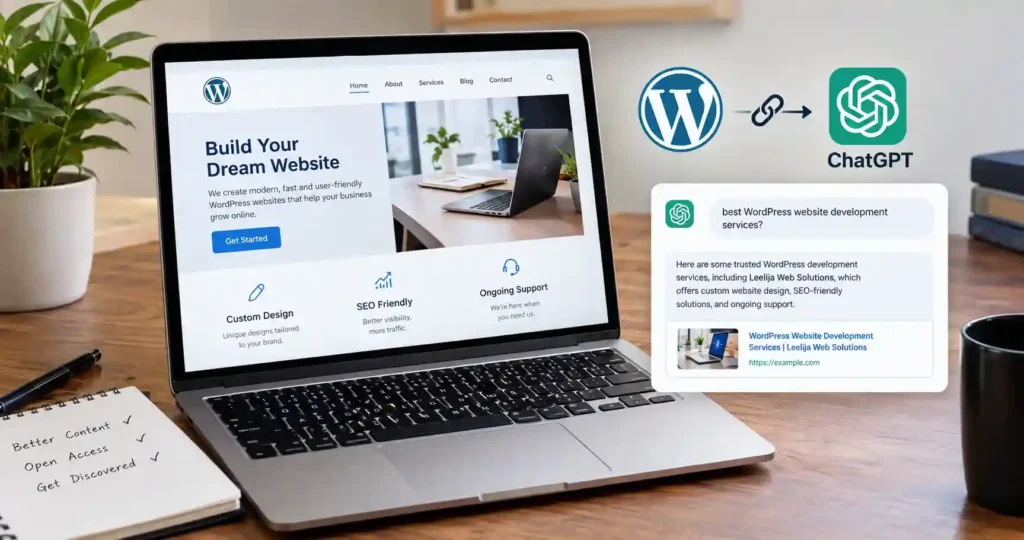
To make a WordPress website visible in ChatGPT, keep its public pages accessible, allow OpenAI’s search crawler, remove accidental indexing…
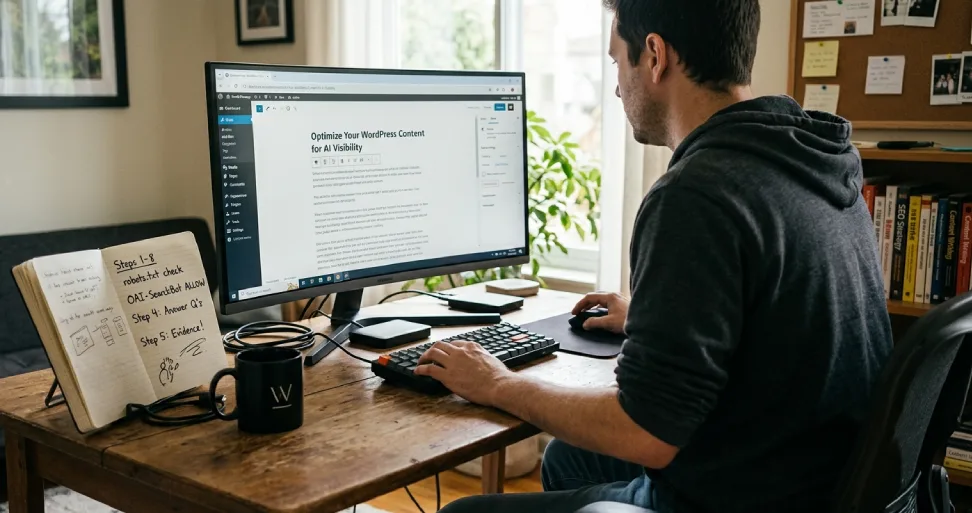
WordPress AI SEO starts with making your public content accessible, useful and easy to verify. Check that search crawlers can…
What Does “Bypass URL Secure Link” Mean? Quick answer: A “bypass URL secure link” problem means your WordPress site can…
Quick answer: I cannot confirm from public information whether the Grace Church WordPress theme bundled Visual Composer in any particular…
Quick answer: Confusing WordPress transactional emails usually come from three things: sending through the default PHP mail function instead of…
Quick answer: To stop direct access without a plugin, (1) add an ABSPATH check to PHP files in themes and…
Quick answer: Select the Image block, click the alignment button in the toolbar, and choose Align left or Align right.…
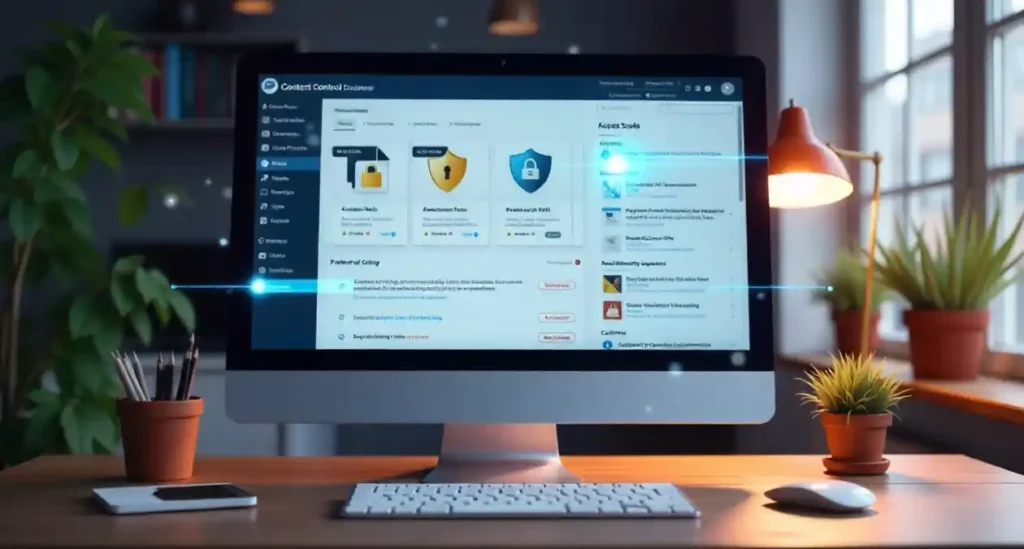
Quick answer: Content Control is a free WordPress plugin that lets you show or hide posts, pages, categories, blocks and…
This section brings together practical WordPress guides for beginners, bloggers and business website owners. I explain common tasks in clear steps, from basic setup and content management to customization and ongoing maintenance.
Themes control much of a site's presentation, while plugins add functionality. Learn how to evaluate, install and configure them carefully, avoid unnecessary overlap and make changes without creating preventable compatibility problems.
A useful website should load efficiently and work consistently. Explore WordPress tips related to caching, backups, updates, security, email delivery, responsive layouts and troubleshooting common errors.
WordPress changes over time, and every website has different requirements. Browse these WordPress tutorials to understand your options, solve problems more methodically and keep your website useful for visitors.