

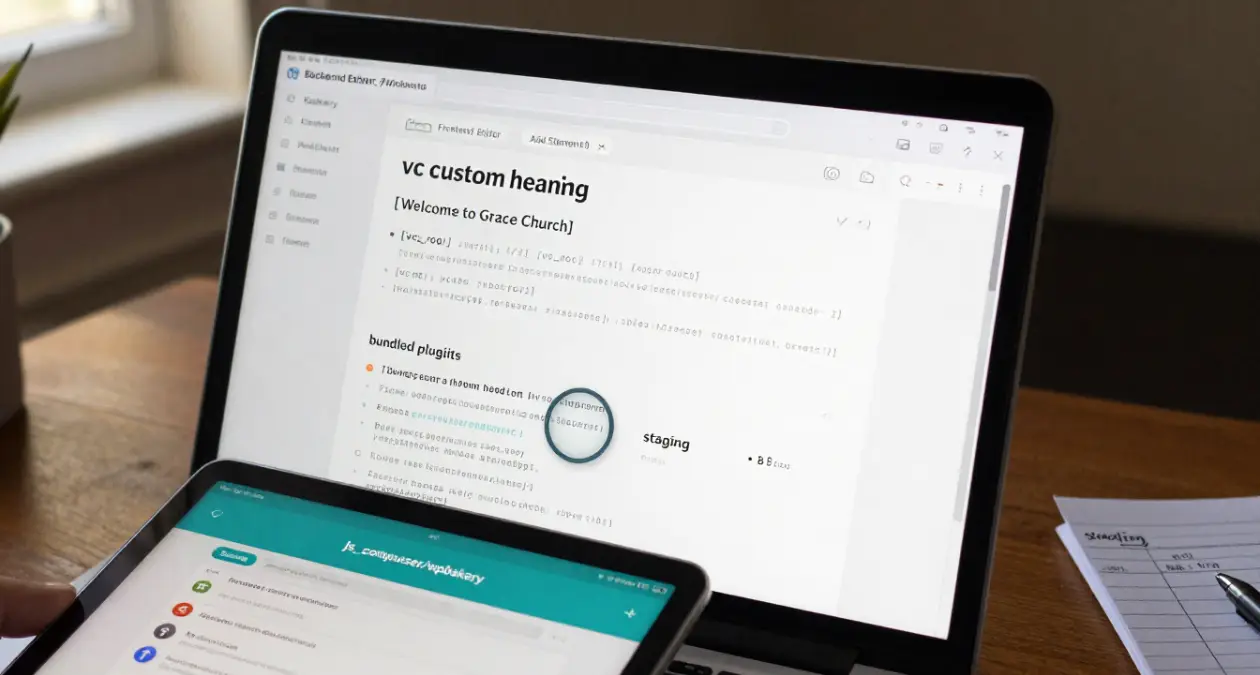
Quick answer: I cannot confirm from public information whether the Grace Church WordPress theme bundled Visual Composer in any particular version, so I will not guess. What I can give you is a five-minute check that works for any theme: look for [vc_ shortcodes in your content and a js_composer folder in the theme or plugins directory. If either exists, the theme was built with Visual Composer, which is now called WPBakery Page Builder.
Last reviewed October 21, 2026.
Visual Composer vs WPBakery: the naming
The drag-and-drop builder that many themes bundled for years was called Visual Composer. It is now sold as WPBakery Page Builder. The name “Visual Composer” today refers to a separate, newer product from the same company. When an older theme says it “includes Visual Composer,” it almost always means the plugin now known as WPBakery.
The reason this matters: content built with it is stored as shortcodes. If you deactivate the plugin, the layout falls apart and visitors see raw text in square brackets.
How to check whether your theme uses it
1. Look at the Plugins page
Open Plugins → Installed Plugins. Look for “WPBakery Page Builder” or “Visual Composer”. Themes often install it through a “required plugins” notice, so it may be there even if you never added it yourself.
2. Look for the plugin folder
Using your host’s file manager or FTP, check wp-content/plugins/ for a folder named js_composer. Also check inside your theme folder, in places like /inc/plugins/ or /includes/plugins/, where bundled plugin zips are often kept.
3. Search your content for shortcodes
Open a page in the editor’s code view, or search your database export, for these patterns:
[vc_row]
[vc_column]
[vc_column_text]
[vc_single_image]
Any of these means the page was built with the builder.
4. Read the theme documentation and changelog
The theme’s readme, changelog or support forum usually lists bundled plugins. To find out what a past version included, this is the most reliable route, along with asking the theme author directly.
If you find it: what to do
- Do not deactivate it yet. Content that depends on it will break.
- Back up first. Take a full backup of files and database.
- Work on a staging copy. Rebuild key pages in the block editor and compare them with the live versions.
- Expect manual work. I do not know of a tool that converts complex layouts perfectly. Plan to rebuild the important pages by hand.
- Keep it updated while you use it. Plugins bundled with a theme sometimes lag behind. Check whether your licence covers updates.
What to ask the theme author
Send a short message: “Which page builder, if any, was bundled with version X of Grace Church? Do the demo pages rely on WPBakery shortcodes? Is there a migration guide?” Include the version number from Appearance → Themes.
FAQs
Will removing the plugin break my site?
If your pages contain [vc_ shortcodes, yes. Layouts will lose their structure and raw shortcodes may appear. Test on staging first.
Can I convert WPBakery pages to the block editor automatically?
Not reliably. Simple text pages may convert acceptably, but multi-column or styled layouts usually need rebuilding.
I only have wp-admin access. Can I still check?
Yes. Check the Plugins page, open a page in the editor and look for a “Backend Editor” button, and read the theme’s documentation.