

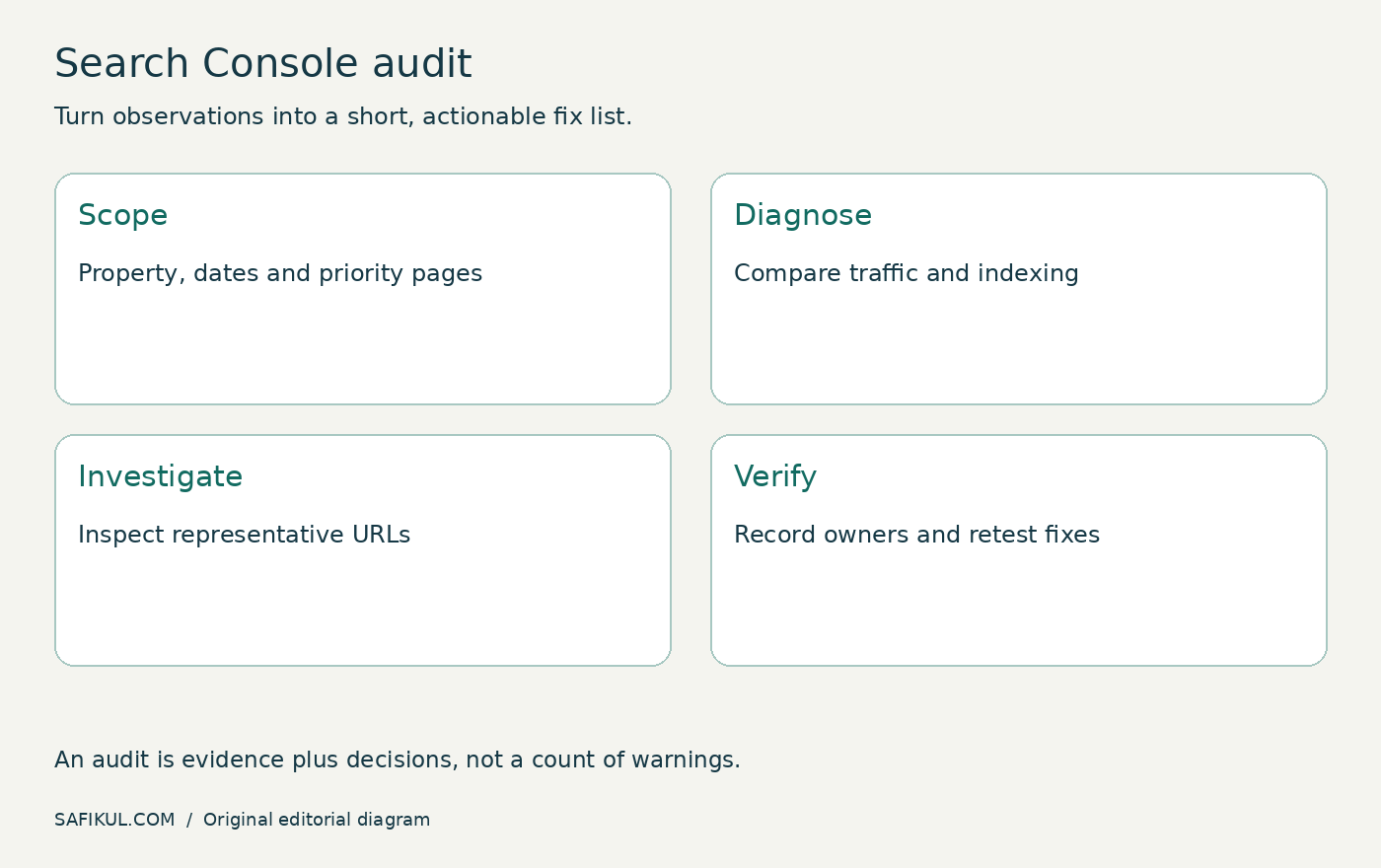
You can audit a site with Google Search Console only by checking search performance, indexing, selected URLs, sitemaps and reported issues, then turning the findings into a prioritised fix list. It is a useful first audit, but it cannot replace a complete crawl, server logs or a check that enquiries and sales actually work.
I would start with a business question: which useful pages are failing to reach the right people, and what evidence explains the problem? A dashboard full of warnings is not an action plan. This guide gives you a repeatable workflow without buying an SEO tool.
What this audit can and cannot tell you
Search Console describes Google’s view of your verified property. It does not provide every visitor journey, every backlink or a complete inventory of URLs on your server. A missing row is not proof that a page does not exist. A healthy report does not prove that a checkout works.
If you are still learning the interface, read my Google Search Console beginner guide first. This article focuses on diagnosis and priorities rather than account setup.
| Question | Useful evidence | Limit |
|---|---|---|
| Which pages lost search clicks? | Performance comparison | Does not establish the cause alone |
| Why is an important page excluded? | Page indexing and URL Inspection | Stored information can lag changes |
| Can Google fetch my sitemap? | Sitemaps report | Successful fetch does not guarantee indexing |
| Do customers complete enquiries? | Outside this audit | Needs form tests and business analytics |
1. Define the property, period and important pages
Check that you have opened the intended property. A URL-prefix property can cover less than a domain property. Write down the selected property, search type, country, device and dates before exporting anything.
Compare complete periods of equal length, such as the last complete 28 days against the previous 28 days. For seasonal businesses, also consider a comparable period last year where data is available. Do not compare an unfinished day with a full day.
Choose a small sample: homepage, main service page, popular article, recent article and a page that has lost clicks. For a store, add a product and a category. This is my proposed sampling method, not a Google rule.
2. Check serious reported problems first
Review Manual actions and Security issues. If Google reports a specific issue, investigate the affected examples and the linked guidance before working on cosmetic changes. An empty report does not prove that every technical or content problem has been ruled out.
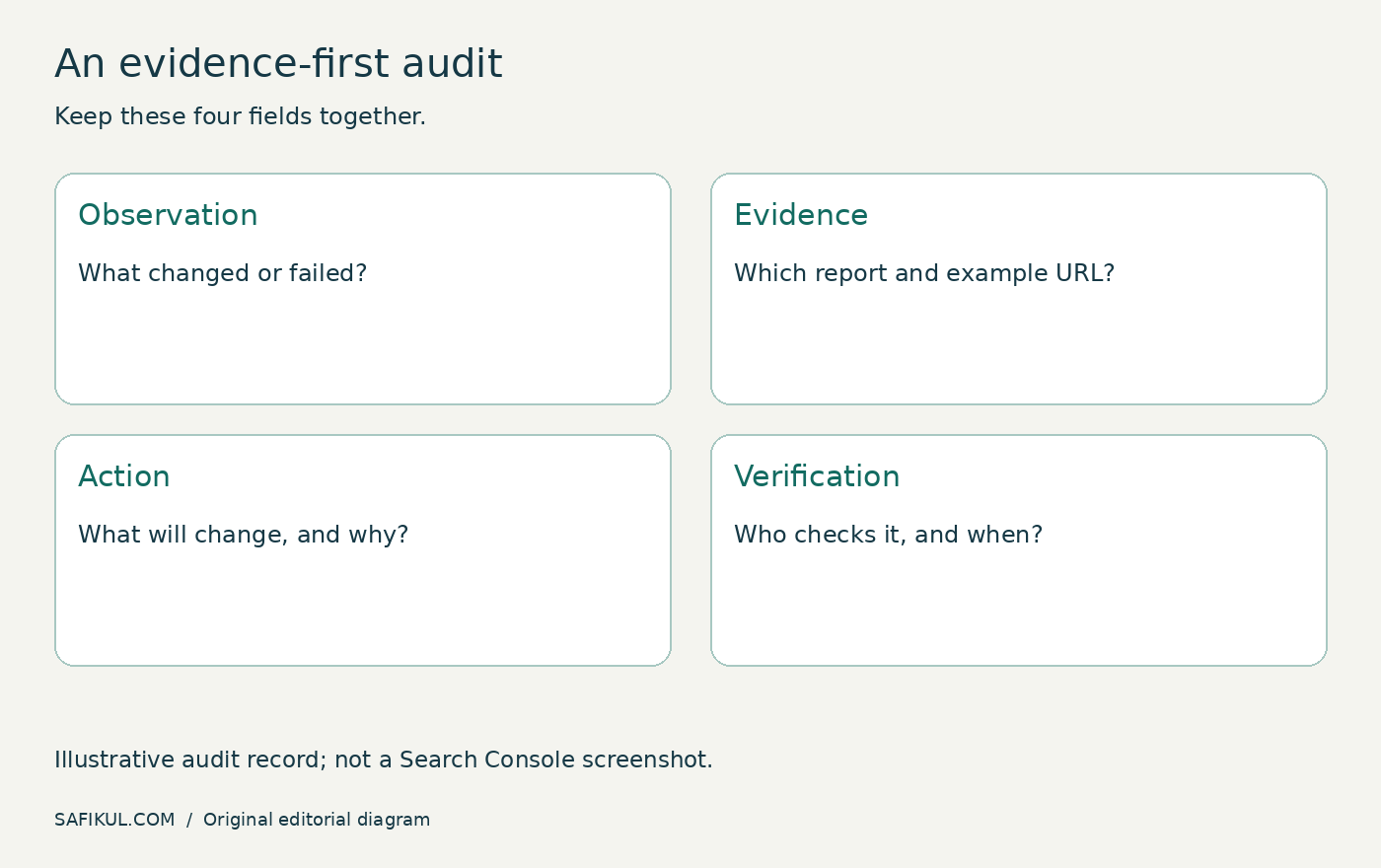
Keep an audit log with four fields: observation, evidence, proposed action and verification. For example, “service page excluded after redesign” is an observation; “Google dislikes the new design” is an unsupported conclusion.
3. Find where performance changed
In Performance, enable clicks, impressions, CTR and average position. Compare pages first, then filter a page and examine its queries. Separate relevant countries and devices when the aggregate hides a pattern. Google’s Performance report documentation explains the reporting controls.
Use three questions: did search exposure fall, did the share of impressions producing clicks fall, or did both change? A position average can shift because the mix of queries changed. It is not a single fixed rank for the whole page.
Here is an illustrative calculation. A page receives 2,000 impressions and 100 clicks in one period: CTR is 5%. In the next period it receives 2,000 impressions and 60 clicks: CTR is 3%. That tells you where to investigate; it does not prove a penalty or identify a title rewrite as the solution.
Compare the same important queries before acting. Check intent, result presentation and page changes. Google’s traffic-drop guidance also identifies technical issues, seasonality and other potential explanations.
4. Separate expected exclusions from problems
Open Page indexing and examine reasons affecting pages you want searchable. Not every excluded URL needs fixing: redirects, intentional duplicates and private pages may be behaving correctly. Google’s Page indexing documentation is the reference for the reason labels.
Start with business value, not the largest number. Five unintentionally excluded service pages can matter more than thousands of correctly excluded filter URLs. Inspect representative examples and look for a shared template or recent release.
For duplicate-related findings, use my canonical tag guide. For unwanted crawl restrictions, use the robots.txt troubleshooting guide. Do not remove intentional controls simply to make a report greener.
5. Compare stored inspection with a live test
Inspect an affected URL. Record the indexed version’s details, including any reported canonical or crawl issue. Run the live test when checking a recent fix. These answer different questions: what Google last recorded and whether the current page can pass the live checks.
A successful live test does not guarantee indexing or a ranking. Google’s URL Inspection guide explains these limits. If you request indexing after a meaningful correction, avoid treating repeated requests as a substitute for solving the cause.
6. Review discovery and available experience reports
Check the sitemap submission, latest read and any fetch errors. Review whether the intended canonical URLs are represented. My XML sitemap guide covers generator problems and outdated entries.
Review Core Web Vitals and supported enhancement reports where they are available. A report may be absent or lack enough data; that is not a pass or fail. Look for groups of affected pages, then investigate the shared template. Do not expect Search Console to be a complete mobile usability test.
The Links report can identify useful internal-link patterns, but it is not a complete site crawl. A page absent from a list is not automatically an orphan. Confirm the diagnosis before changing navigation; my internal linking guide explains a broader review.
7. Turn the findings into three clear priorities
| Priority | Example | Verification |
|---|---|---|
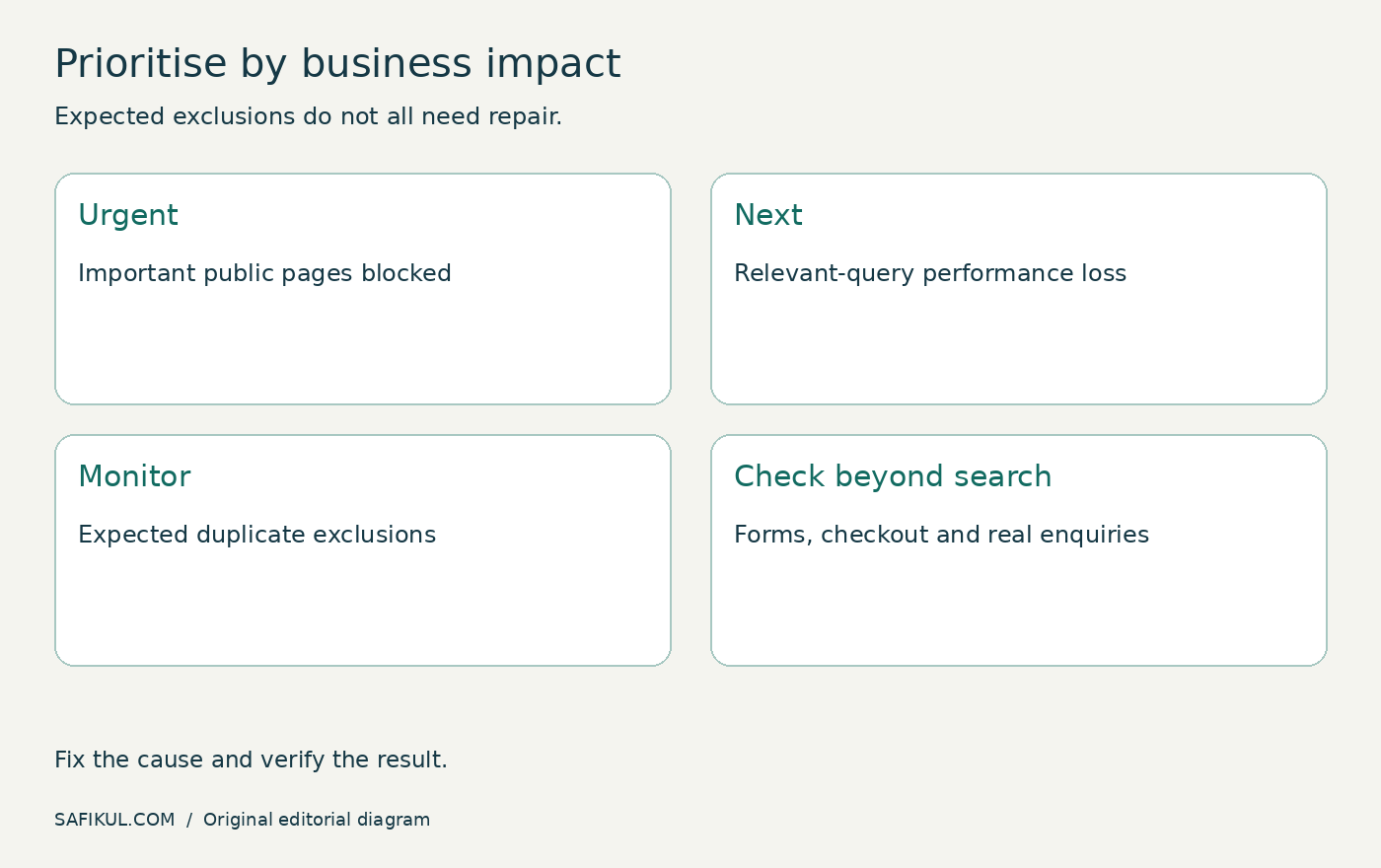
| Urgent | Important public pages blocked unintentionally | Live access works; later indexed status reviewed |
| Next | Useful page loses relevant-query clicks | Evidence-led revision; comparable-period review |
| Monitor | Expected duplicate exclusions | Canonical destination remains appropriate |
Assign an owner and a review date. Change one coherent group of problems at a time so you can explain what happened. Preserve your original export and record deployment dates. A later improvement is encouraging, but it does not prove that one isolated edit caused it.
Frequently asked questions
Is a Search Console-only audit enough for a small website?
It is a strong starting point for search diagnosis. You still need to open important pages and test customer journeys. Large, dynamic or migrated sites usually need additional crawling and server evidence.
Should I fix every “not indexed” URL?
No. First decide whether the URL should appear in search. Fix unintended exclusions of useful canonical pages, not every duplicate or private route.
Can this audit measure all AI search visibility?
No. Search Console is a Google reporting tool, not a cross-platform AI citation database. Use a separate, documented observation process for other services.
How often should I repeat the audit?
I would review important changes after a release and run a compact monthly check. Investigate sudden business-impacting losses sooner. The right frequency depends on how often the site changes.
Your first deliverable should be a short evidence-backed fix list. Start with the page that matters, show the problem, make the change and verify it. That is more useful than collecting warnings with no clear owner.