

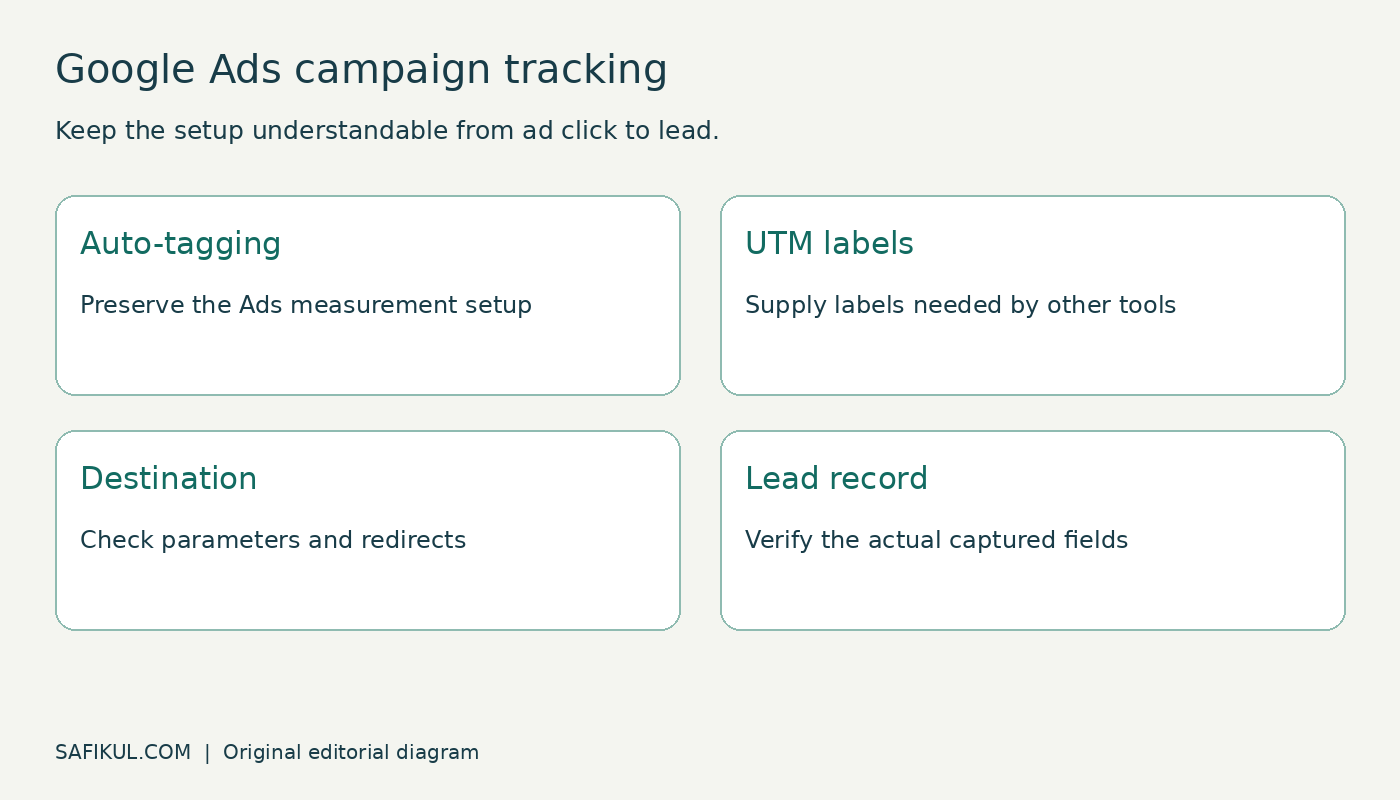
If you are looking for a UTM builder for Google Ads, start by checking your tracking setup. For a Google Ads account connected to GA4, keep auto-tagging enabled. Add manual campaign parameters when another system, such as your CRM, needs those labels. Put landing-page parameters in the Final URL suffix when that fits your setup, and test the complete journey before rolling out changes.
My advice is to decide what information each system needs before generating a long tracking link. A technically valid URL can still produce confusing reports if campaign names, click identifiers or redirects are handled inconsistently.
This guide covers Google Ads-specific setup. My general UTM guide explains campaign terminology, and the Google Sheets UTM builder tutorial covers a shared campaign register.
Auto-tagging and UTMs have different jobs
Google Ads auto-tagging adds click information, commonly the Google Click Identifier or GCLID, to help connect advertising activity with measurement. Manual UTMs are readable campaign labels that your other tools may capture. They do not replace the full advertising integration.
Google’s auto-tagging documentation says GA4 prioritizes auto-tagging over manual tagging. Do not switch it off just because a URL builder produces utm_source and utm_campaign. First check whether conversion tracking, cost reporting or offline-conversion workflows depend on it.
| Your requirement | Starting point | Check before launch |
|---|---|---|
| Google Ads reporting in linked GA4 | Working account link and auto-tagging | Correct property, collection and conversion setup |
| Campaign labels in a CRM | UTMs alongside the existing Ads setup | The form and CRM actually retain the fields |
| A third-party click tracker | Vendor-approved tracking configuration | Template, suffix, redirects and parallel tracking |
| Manual campaign reporting without an Ads integration | Consistent relevant UTM parameters | Understand which integrated reporting features are absent |
Know which URL field you are editing
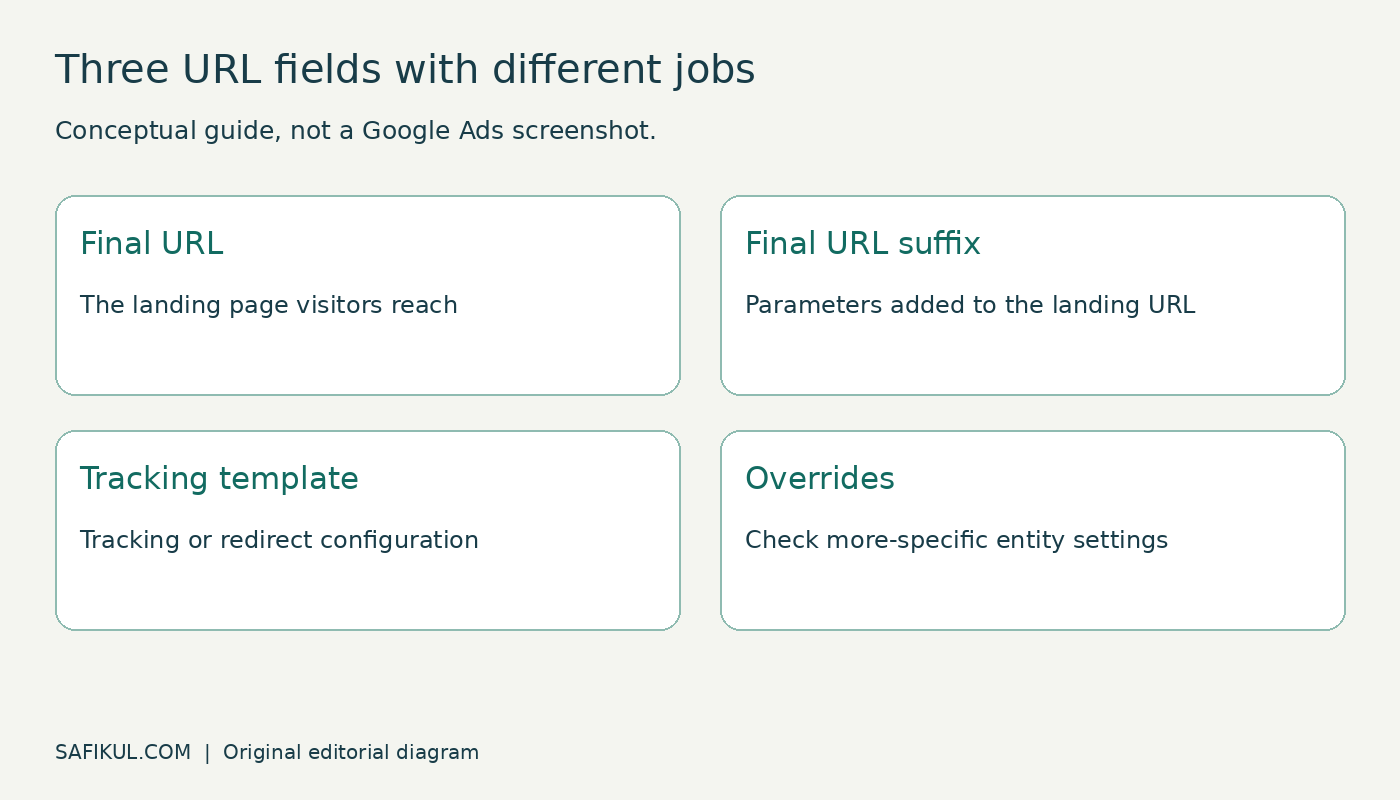
The Final URL is the landing page. The Final URL suffix contains parameters appended to that destination. A tracking template defines a tracking URL or redirect structure and may use the landing-page insertion parameter {lpurl}.
These fields are not interchangeable. Do not paste an entire landing-page URL into the suffix field. Do not overwrite an existing tracking template simply to add UTMs: it may belong to a call-tracking or attribution service.
Google’s URL-field documentation explains that, with parallel tracking, visitors go directly to the final URL while tracking runs separately. Parameters required by the landing page belong in the suffix or final URL. It also explains that lower-level suffix settings override higher-level ones. An account-level change therefore does not prove every ad now uses that configuration.
Build a small suffix you can explain
For an illustrative campaign that needs manual labels in a CRM, a starting suffix could be:
utm_source=google&utm_medium=cpc&utm_campaign={campaignid}&utm_id={campaignid}&utm_source_platform=google_ads&utm_content={creative}This is a parameter string, so it does not begin with a question mark or a full website address. The example uses stable IDs for campaign and creative identification. It is a suggested naming convention, not a universal requirement for every account.
| Field | Example value | Meaning here |
|---|---|---|
| utm_source | Referring advertising source | |
| utm_medium | cpc | Paid-click medium convention |
| utm_campaign | {campaignid} | Campaign ID used as the manual campaign label |
| utm_id | {campaignid} | Campaign identifier |
| utm_source_platform | google_ads | Platform label for the receiving system |
| utm_content | {creative} | Ad identifier for supported uses |
The braces are intentional ValueTrack syntax. Google replaces supported parameters with values during ad serving and clicking. Maintain a campaign-ID-to-name mapping in your reporting process if your CRM users need readable campaign names. Typing a campaign’s display name into a suffix does not make it update automatically when someone renames the campaign.
For keyword-based Search campaigns, you may also need utm_term={keyword}. The official ValueTrack reference defines this as the matching keyword from your account, not necessarily the person’s exact search query. Keywordless matches can return an empty value. Do not make a blank term field an automatic tracking-failure alert across all campaign types.
Add the suffix at the right level
- Record the current auto-tagging setting, final URLs, suffixes and tracking templates before changing anything.
- Choose the smallest suitable scope for a controlled rollout, such as one campaign with a known landing page.
- Find its URL options and Final URL suffix field. Google documents account, campaign, ad and other supported locations.
- Enter the approved parameter string without duplicating UTMs already in the final URL.
- Inspect lower-level settings that could override the configuration.
- Test the generated destination and receiving systems, then save a record of the change.
Google’s suffix setup guide provides the current navigation. At account level it points to Admin, Account settings and Tracking Template. At ad level it uses the advanced Ad URL options. Interface labels can change; identify the field itself before pasting.
Test more than the landing page
I would divide verification into three checks. First, does the destination work? Second, do the intended values survive redirects and form submission? Third, does the receiving report show the information under the expected dimensions?
- Destination: confirm the correct page loads on desktop and mobile, including URLs that already contain query parameters.
- Expansion: use the available Google Ads URL-testing controls and verify supported ValueTrack fields. Opening a hand-built URL containing literal braces is not a complete test of ad expansion.
- Redirects: confirm required click identifiers and campaign labels reach the destination. Check both server redirects and any script-driven navigation.
- Lead capture: submit a clearly identified test enquiry under your normal testing and consent process. Inspect the actual CRM record.
- Reporting: check collection and allow processing before reviewing attribution. A page view alone does not prove a conversion or CRM field was recorded.
Use a clean test record rather than a real customer’s personal data. Do not place names, email addresses or telephone numbers in UTMs. Label a campaign or placement, not an individual visitor.
Why Google Ads and manual campaign labels can differ
GA4’s integrated Ads dimensions and manually tagged dimensions are not interchangeable. Google’s traffic-source documentation describes the precedence of auto-tagged values and the separate manual content and term dimensions. Identify the exact dimension and scope in the report before declaring the suffix broken.
For example, a CRM might store a numeric campaign label from this suffix while a linked advertising report displays an Ads campaign name. That can be expected if each system is reading a different source. Document the mapping instead of repeatedly changing the link until every screen looks identical.
Common problems and first checks
| Symptom | Check first |
|---|---|
| Some ads have older labels | Lower-level suffix overrides and existing final-URL parameters |
| Literal braces appear in stored data | Supported parameter, configuration field and test method |
| Keyword is empty | Whether the match was keyword-based |
| UTMs arrive but CRM fields are blank | Form capture, persistence and field mapping |
| Click identifier disappears | Redirect chain and URL-cleaning scripts |
| Campaign totals disagree | Metric definition, scope, attribution, time zone and collection limits |
Frequently asked questions
Do I need a separate UTM builder for Google Ads?
Not necessarily. You can write a suffix directly. A builder or spreadsheet helps enforce names, but it must respect Google Ads fields and dynamic parameters.
Should I use the suffix and a tracking template together?
Only when the setup needs both. Preserve a legitimate third-party template and coordinate the suffix with it. For simple landing-page labels, an extra redirect service is not automatically necessary.
Does adding UTMs improve ad performance?
UTMs help measurement; they do not improve an offer or landing page by themselves. Use dependable reports to investigate the customer journey. My PPC guide connects tracking with campaign planning.
Start with a documented configuration, a small rollout and a complete test lead. Expand only after you can explain where each value comes from and where it is stored.