

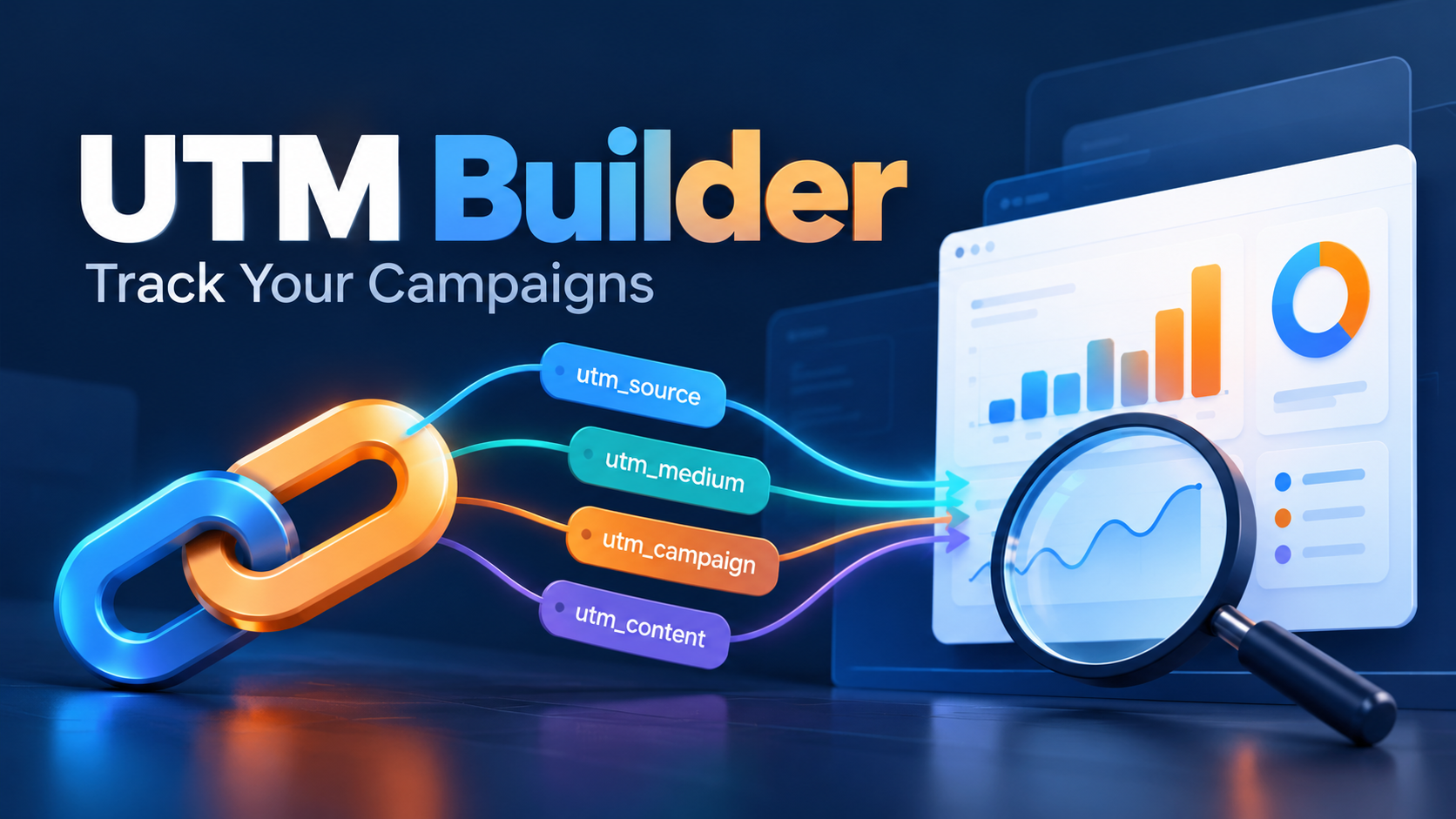
A UTM builder adds campaign labels to a website link so your analytics can identify the marketing activity behind a visit. Start with the destination URL, campaign source, medium and campaign name. Generate the link, test the destination, then check the resulting data in GA4.
My recommendation is to treat link creation and measurement as one job. A correctly formatted URL is only useful when it reaches the right page and produces a report your team understands. This guide covers that complete process, with a fictional workshop campaign you can adapt.
Documentation checked: 22 October 2026. Examples below are illustrative, not results from a campaign I ran.
What does a UTM builder do?
A campaign URL builder assembles tracking parameters. It does not install Google Analytics, count sales by itself or guarantee that every visit will be measured. Your destination still needs working analytics and the appropriate consent configuration.
You can start with Google’s Campaign URL Builder. Google’s campaign URL documentation explains the supported parameters.
| Parameter | Purpose | Example value |
|---|---|---|
| utm_source | Identifies the referring platform or publisher | newsletter |
| utm_medium | Identifies the marketing channel | |
| utm_campaign | Groups links belonging to one promotion | ai_workshop_oct_2026 |
| utm_content | Distinguishes placements or creative versions | hero_button |
| utm_term | Records a manually tagged paid keyword | Only when applicable |
| utm_id | Provides a campaign identifier | workshop_202610 |
For a simple email campaign, use source, medium and campaign consistently. Add content when comparing links inside the same message. Do not invent a paid-search keyword for a newsletter.
How to create your first campaign tracking link
- Choose the final landing page. Open it first and check the offer, form and mobile layout. Tracking a broken page accurately will not improve the campaign.
- Write the campaign name before building links. In this example, every promotion of the workshop uses
ai_workshop_oct_2026. - Enter the source and medium. Use
newsletterandemailfor the newsletter version. - Add a placement label. Set content to
hero_buttonfor the main button andtext_linkfor a second link. - Copy the generated URL into your campaign register. Record the owner, destination, labels and planned publication date.
- Test the exact distributed link. Include any email-platform wrapping or link shortener in the test.
A fictional example looks like this:
https://example.com/workshop/?utm_source=newsletter&utm_medium=email&utm_campaign=ai_workshop_oct_2026&utm_content=hero_buttonReplace the example domain with your real landing page. If the destination already contains a query parameter, use a builder that preserves it. Avoid manually adding a second question mark or placing tracking parameters after a page fragment.
A naming convention your team can maintain
I would keep the rules short enough to fit at the top of a shared spreadsheet: lowercase values, one agreed separator, a fixed source dictionary and a single campaign owner. These are operating conventions, not a requirement to use these exact words.
| Placement | Source | Medium | Content |
|---|---|---|---|
| Newsletter main button | newsletter | hero_button | |
| Newsletter text link | newsletter | text_link | |
| Organic LinkedIn post | social | founder_post | |
| Printed event QR code | event_flyer | qr | registration_panel |
All four can share the same campaign name. The QR medium is a custom convention; do not assume it will appear in a particular default channel group. Check the raw source/medium values and your channel rules.
Keep labels stable after launch. Renaming a campaign halfway through makes comparison harder. For broader planning, connect this register to your content strategy so each link has a clear audience and purpose.
Where to find UTM data in GA4
Open Reports → Acquisition → Traffic acquisition. Depending on your property’s navigation, an editor may need to restore or expose the report. Use Session source / medium to investigate channels and Session campaign to inspect the promotion.
Google’s Traffic acquisition documentation distinguishes session acquisition from User acquisition. Keep those scopes separate: the source that first acquired a person and the source associated with a later visit can answer different business questions.
Compare sessions with the relevant key event, such as a completed registration. A button click is not proof of a successful submission. Verify the event against the actual form outcome before using it for decisions.
Here is a hypothetical evaluation: email brings 200 sessions and 10 sessions containing a registration event; LinkedIn brings 400 sessions and 8 registration sessions. Those observed rates are 5% and 2%. That does not prove email is always better. Compare audience, spend, offer and sample size before moving budget.
My pre-launch tracking checklist
- Open the link on desktop and mobile and confirm the correct offer loads.
- Check that redirects preserve the intended campaign information.
- Check the correct analytics property receives the visit under your normal consent and testing procedure.
- Complete a test registration and verify the outcome event separately.
- Allow processing time, then inspect the campaign in session acquisition data.
- Record test activity so it is not mistaken for genuine demand.
A real-time page view can confirm collection, but it does not by itself prove that the final acquisition report will have the classification you expect.
Common tracking problems and what to check
| Problem | First check |
|---|---|
| Campaign is missing | Final URL, tag collection, consent, date range and processing time |
| One promotion has several rows | Capitalization, spelling and different campaign names |
| Traffic appears under an unexpected channel | Raw source/medium and the applicable channel definition |
| Platform clicks exceed GA4 sessions | Different measurement definitions, repeated clicks and collection limitations |
| Visits appear but registrations do not | Form completion and the key-event implementation |
For integrated advertising platforms, preserve the established auto-tagging setup. Google explains how manual tagging and auto-tagging interact; adding UTMs does not automatically override every advertising dimension.
I would avoid campaign tags on ordinary internal navigation. Use internal click events when the question is which on-site button visitors use. Keep acquisition labels focused on incoming campaigns.
Protect personal information in campaign URLs
Never put a customer’s email address, telephone number or name in a UTM value. URLs can be collected in analytics, logs and shared links. Google explicitly prohibits sending personally identifiable information through campaign parameters; see its PII guidance.
Use a campaign-level label such as customer_newsletter, not a label identifying one recipient. Do not confuse labeling a campaign with permission to collect additional personal data.
Frequently asked questions
Is Google’s UTM builder free?
The Campaign URL Builder is publicly available. You still need an analytics implementation to measure activity on your website.
Do UTM parameters improve SEO rankings?
They label campaigns for measurement. They are not a ranking improvement technique. Better reporting may inform your marketing decisions, but the parameters themselves do not guarantee traffic.
Can UTM links track every sale?
No. Measurement depends on collection, consent, devices, attribution and the implementation of purchase or lead events. Reconcile business outcomes with your store or CRM rather than treating one report as complete.
Can I use UTMs for links shared through AI tools?
You can label links you control, but distinguish those campaigns from independently earned AI referrals. My guide to tracking ChatGPT, Gemini and Copilot traffic in GA4 explains that separate reporting problem.
Start with one campaign and one naming convention. Check the full journey before expanding tagging across every channel. If visits arrive but few turn into enquiries, my guide on why a website gets traffic but no leads is the next thing to read.