

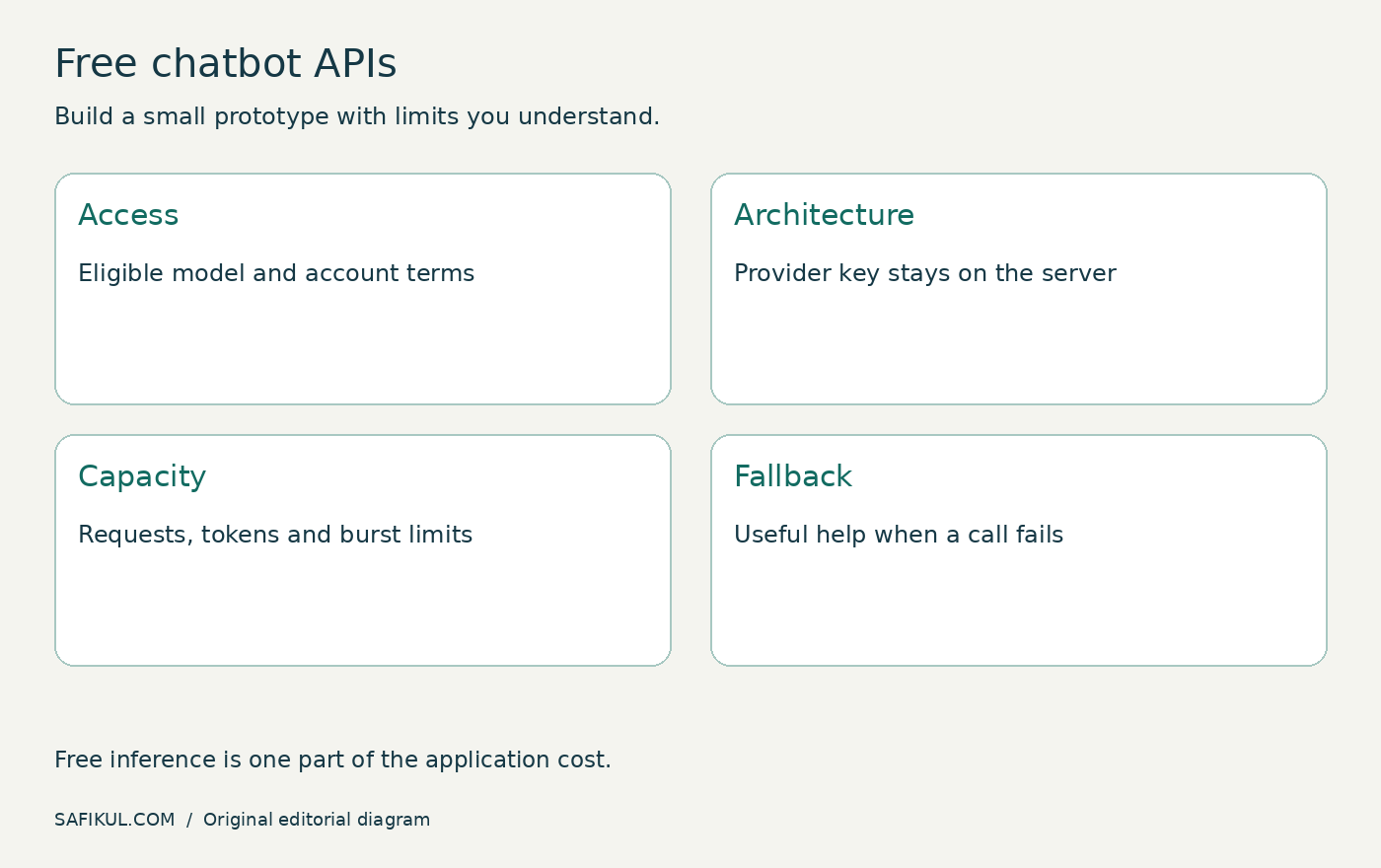
A free chatbot API lets your application request model-generated responses within a provider’s free allowance. It is a building block, not a finished website chatbot. You still need a user interface, secure server-side requests, limits, approved information and a fallback when the service cannot respond.
My shortlist for a small prototype is Gemini Developer API, Groq and Cloudflare Workers AI. The right choice depends on model access, data handling, rate limits and where you plan to run the application. I would compare those conditions before comparing an impressive demo answer.
This guide reviews official documentation checked on 31 October 2026. It is not a latency benchmark, and provider allowances can change. Confirm your account’s limits before launch.
Free API, free chatbot and free trial are different
A consumer chat application’s free plan does not establish free API access. A hosted chatbot builder may include a widget and inbox but restrict customization. An API provides programmatic access while leaving much of the product engineering to you.
Trial credits expire or run out; a recurring allowance resets under specified conditions. Neither means unlimited usage. Open model weights are another category: the model licence may permit use, but running it still consumes hardware and operational resources.
If you want the wider workflow rather than just model access, read my AI agent building guide. Keep the first version small enough that you can test every important outcome.
Three API options worth checking
| Provider | Documented free starting point | Decision to make |
|---|---|---|
| Gemini Developer API | Free access to eligible models with limits | Model availability and unpaid-service data terms |
| Groq | Model-specific free-plan rate limits | Request and token limits for the chosen model |
| Cloudflare Workers AI | 10,000 Neurons per day in the documented allocation | Model eligibility and how usage maps to Neurons |
Gemini Developer API
Google’s pricing page distinguishes free access to certain models from paid capabilities. It also flags different data-use treatment for free and paid service, subject to its linked terms. Do not assume that an unpaid prototype is suitable for confidential customer content.
I would use synthetic questions and public business information for the first evaluation. Select a currently supported free-tier model in the account rather than copying a model name from an old tutorial. Verify regional eligibility, quotas and any feature-specific charges separately.
Groq
Groq’s rate-limit documentation publishes limits by model and says the account’s limits page is the source for exact organization limits. Its reviewed table lists gpt-oss-20b and gpt-oss-120b with 30 requests per minute, 1,000 per day, 8,000 tokens per minute and 200,000 per day. These are documented reference limits, not a promise for every account or future date.
A short burst can hit a per-minute limit even while daily usage is low. Review both requests and tokens. Do not repeatedly retry rejected calls without a delay and a retry cap.
Cloudflare Workers AI
Cloudflare documents a free allocation of 10,000 Neurons per day, with a daily reset at 00:00 UTC. Neurons are usage units, not a count of chat messages. The page also identifies models that require a paid billing method.
Check the selected model and the rest of your application stack. A free inference allowance does not automatically make storage, retrieval, hosting or other services free. Measure usage with your actual prompt length before estimating how many conversations it will support.
Design the request path before writing the widget
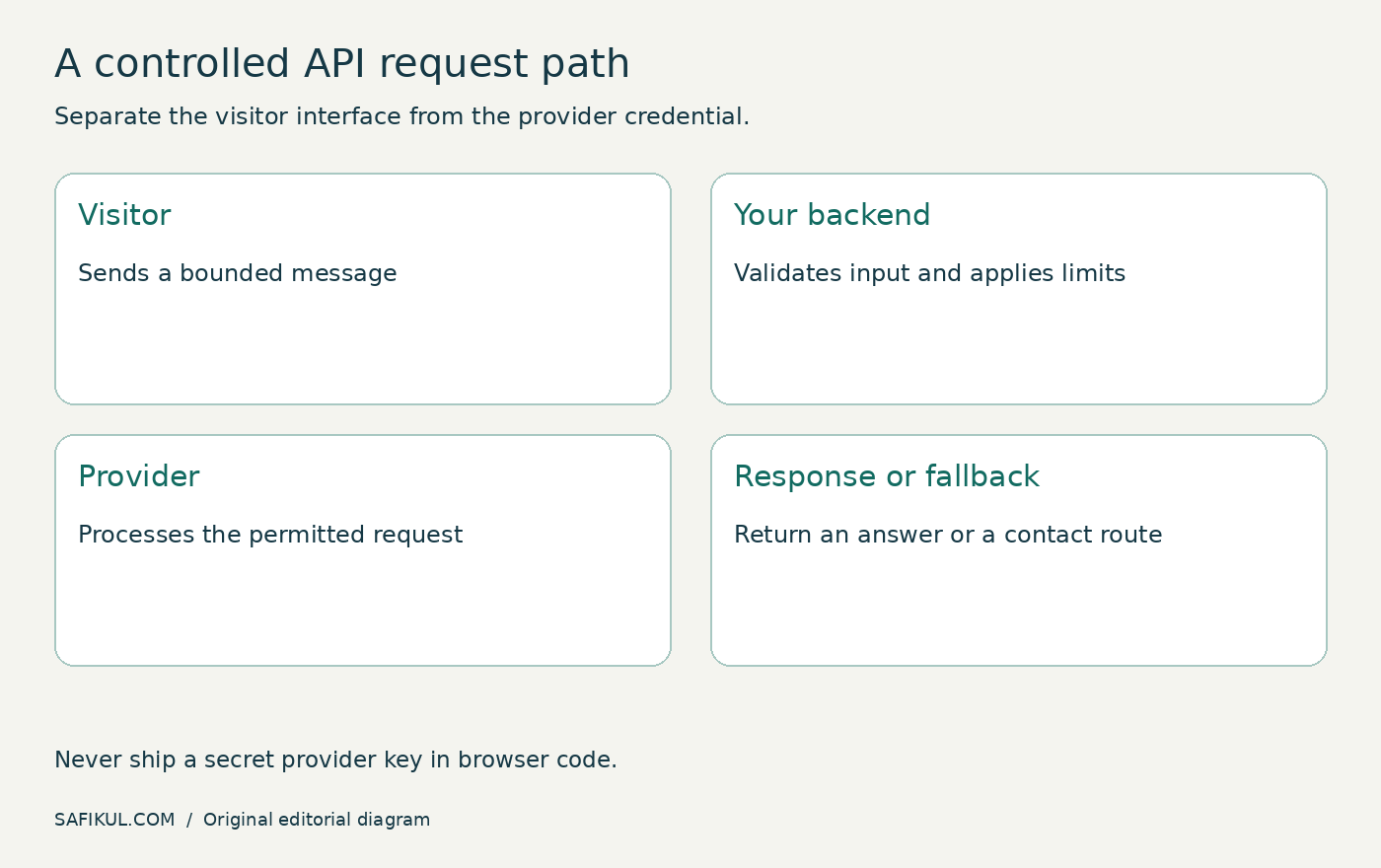
Use this basic architecture: the visitor sends a message to your server; your server validates it, applies limits and calls the provider; your application returns the answer or a useful fallback. Keep the provider credential on the server.
Do not paste a secret API key into browser JavaScript, a public repository or an HTML widget. A key hidden in a front-end environment variable can still end up in the shipped bundle. If a key becomes exposed, revoke or rotate it and review its usage.
Limit message length and conversation history. A visitor should not be able to submit an unlimited document and consume the entire allowance. Set request timeouts, output limits and per-user controls appropriate to the application.
Give the bot a narrow, testable job
For a first prototype, I would choose a public FAQ assistant for one service. Supply approved descriptions and tell the assistant how to respond when the answer is missing. Avoid account changes, refunds or purchases until authorization and confirmation have been designed separately.
A practical instruction could be: “Answer using the supplied service information. If the answer is absent, say that you cannot confirm it and offer the contact page. Do not invent prices or delivery commitments.” This is a starting instruction, not a security boundary.
Retrieved pages and user messages can contain misleading instructions. Treat them as untrusted input. Keep tool permissions separate from model-generated text, and do not let a conversational answer alone authorize a sensitive action.
Estimate capacity with a realistic conversation
Here is an illustrative calculation, not a provider quote. Suppose one model call sends 1,200 input tokens and receives 300 output tokens. Five calls use approximately 7,500 tokens if the input stays the same size. If you resend a growing conversation each time, actual input usage can be larger.
Now consider 20 visitors arriving together. A daily request allowance might look generous while the token-per-minute allowance becomes the bottleneck. Capacity planning needs typical and burst usage, not just daily totals.
Keep a budget worksheet with calls per conversation, input/output size, peak concurrency, retrieval cost and fallback behaviour. Record measured usage during the pilot and revise the estimate. My n8n workflow guide provides a broader example of tracking requests reliably.
Test quality and failure handling together
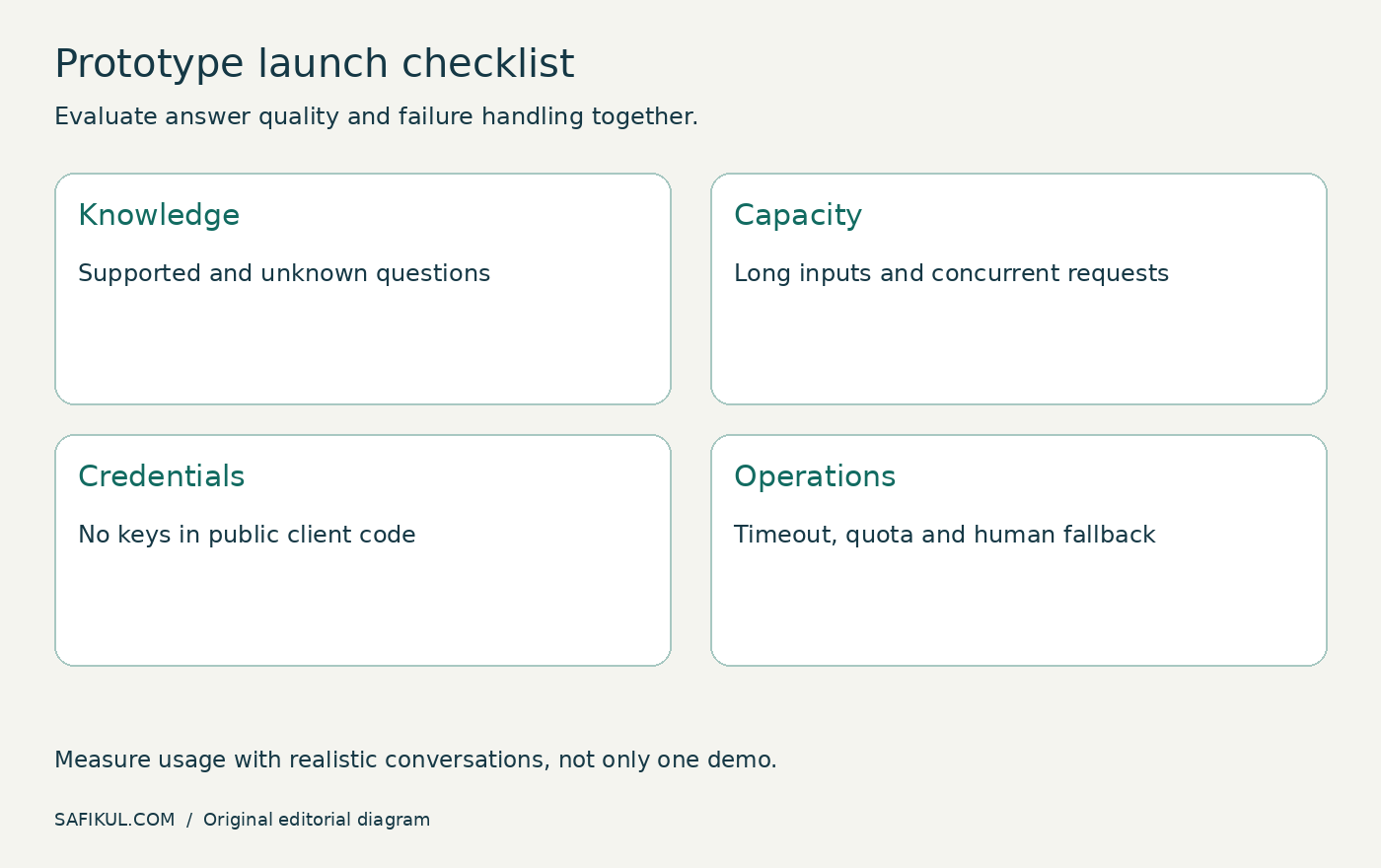
- Ask five supported questions and compare answers with approved facts.
- Ask questions with missing information and confirm that the bot does not improvise commitments.
- Submit a very long message and check the input limit.
- Simulate a timeout or exhausted allowance and check the fallback.
- Try to obtain secrets or change the bot’s role; verify that no sensitive information or tools are exposed.
- Test concurrent requests and inspect actual usage.
- Check the contact or human-handoff route from beginning to end.
Log the minimum information needed to diagnose failures. Avoid retaining sensitive conversations by default. Decide who can read logs and when they are removed. Review the provider’s terms alongside your own data handling, not as a substitute for it.
When should you move beyond the free tier?
Upgrade or redesign when the prototype has demonstrated value and the free limits conflict with the required service. Define a trigger: repeated capacity failures, required models unavailable, support needs or data conditions unsuitable for the use case.
Compare total cost per useful outcome. A cheaper model requiring multiple retries and manual corrections may cost more operationally. For workflow ideas beyond chat, see my AI agent guide. Define what you are measuring before claiming success.
Frequently asked questions
Which is the best free chatbot API?
There is no universal winner. Compare Gemini, Groq and Workers AI against your required model, account limits, data terms and deployment environment using the same test questions.
Can I call the API directly from my website?
For a secret-key API, route requests through a controlled backend. Browser connectivity does not make exposing credentials safe.
Does a free API include a website chat interface?
Usually the API is only one component. Your project still needs a UI, conversation management, controls and a destination for unresolved requests.
Can a free-tier prototype serve real customers?
Only after you verify that its limits, terms, reliability and data handling fit the job. Keep a fallback and do not promise availability the service cannot support.
Build a small assistant, measure it and make failures understandable. A dependable prototype with clear limits is a better business starting point than an unlimited promise built on a limited free allowance.