

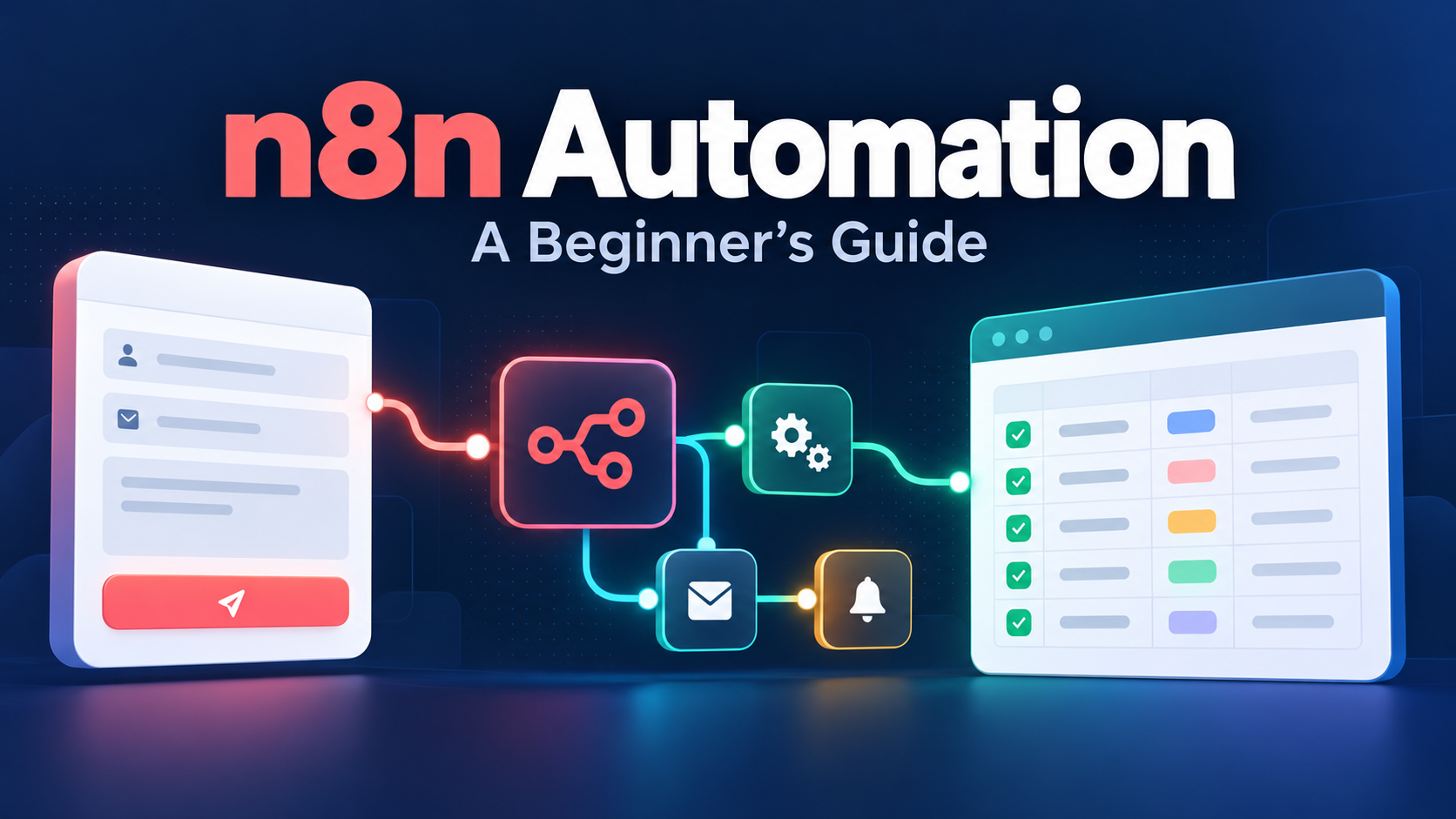
n8n automation connects a trigger with a sequence of actions: collect information, transform it, apply rules and save or send the result. For a beginner, I recommend starting with a small internal request workflow before adding AI agents or customer-facing actions.
In this guide, you will design a practice workflow that collects a content request, standardizes its fields and saves it in an n8n data table. It needs no AI model and no external email integration. The goal is to understand what happens to each request and how to check that it was stored.
Documentation checked: 22 October 2026. This is a documentation-based tutorial and an illustrative workflow design, not a claim that I deployed or tested it on a client account. Interface labels may differ by version.
What is n8n, and where does it fit?
n8n is a workflow automation platform. A trigger starts a workflow; subsequent nodes perform operations on the incoming data. An execution is a run of that workflow. The official first-workflow tutorial introduces these concepts with a scheduled sample-data exercise.
I would separate three decisions: what business task needs automation, what rules should control it, and whether any step genuinely needs AI. Moving a well-defined request into a table does not require a language model.
For broader platform choices, read my AI business automation guide. This article focuses on building and checking one n8n workflow.
Choose a learning environment
You need access to an n8n instance with permission to create workflows and data tables. Cloud hosting and self-hosting are different responsibilities. n8n’s hosting documentation describes its self-hosted Community edition and licensed editions.
A free software edition does not make infrastructure, maintenance or outside APIs free. Before choosing self-hosting, assign someone to updates, backups, credential protection and recovery. For a first lesson, an existing authorized training instance is enough.
Use invented requests for this exercise. Do not connect production customer records simply to find out how the editor works.
The workflow you will build
| Stage | Node | Expected result |
|---|---|---|
| Collect | n8n Form Trigger | One submitted content request |
| Standardize | Edit Fields (Set) | Consistent topic, channel and status fields |
| Store | Data Table | A row available for later review |
A fictional request could be “Explain our onboarding checklist,” with the channel set to “Blog.” Success means the correct values reach the table once for that submission. A green node alone is not the business outcome.
Step 1: Create the destination table
In your project, open the Data Tables area and create a table named content_requests_practice. Add string columns for topic, channel and status.
Keep the table small and specific. Do not mix this experiment with a live editorial queue. The Data Table documentation covers storing structured data and the available row operations.
Step 2: Add the form trigger
Create a workflow named Content Request Practice. Add the n8n Form Trigger, which may appear under On form submission. Give the form a clear practice title.
Add a required text field named Topic and a required field named Channel. If you use a dropdown for the channel, keep the options simple: Blog, Newsletter and Social. Use dummy information and keep access limited during development.
Use the test form to submit the fictional request. Inspect the trigger’s output and note the exact field names. The official form documentation explains the test and production URLs.
Step 3: Standardize the fields
Add Edit Fields (Set) after the trigger. Choose manual mapping and create three output fields:
| Output field | Value | Mode |
|---|---|---|
| topic | Topic from the trigger input | Expression / mapped input |
| channel | Channel from the trigger input | Expression / mapped input |
| status | new | Fixed |
Drag values from the actual input panel instead of guessing their paths. For the form labels above, an expression may look like {{ $json.Topic }}; confirm it against the received data. Configure the output to retain only the fields this exercise needs.
Run this step and inspect its output. If the topic becomes blank, correct the mapping before proceeding. See n8n’s Edit Fields reference for fixed values, expressions and output settings.
Step 4: Save the request
Add a Data Table node. Select the row resource and Insert operation, choose your practice table and map the three output fields to their matching columns.
Execute the complete workflow with a fresh test submission. Open the destination table and compare the stored values with what you entered. This verifies the result outside the editor’s execution display.
This basic Insert workflow creates another row when submitted again. It does not provide duplicate prevention. That limitation is useful to see during training and important to resolve before a business process depends on it.
Step 5: Test more than the successful path
I would use the following acceptance checklist before publishing even a small internal automation.
| Test | What to establish |
|---|---|
| A normal request | Values match between the form, transformed output and table |
| A missing required answer | The form prevents an incomplete submission |
| Punctuation and a longer topic | The full intended text survives mapping and storage |
| The same request submitted twice | The team understands that this design inserts twice |
| A controlled failure in a copy | The failed step is visible and an owner knows how to respond |
| A production-URL submission | The published workflow works independently of the test listener |
Keep a short record: input, expected output, actual output and pass or fail. Do not label the workflow ready simply because the first example succeeded.
Step 6: Publish and verify the production URL
Save and publish the workflow when the practice tests pass. Use its Production URL for the live form. In current documentation, Execute Step runs the form node, while Execute Workflow runs the workflow; neither replaces verifying the published path.
Submit one final dummy request using the production URL. Check the execution history and table. Production submissions do not appear in the editor in the same way as test submissions. Share the form only with the intended users after this check.
How to handle failures without creating duplicate work
n8n supports an error workflow starting with an Error Trigger, assigned in the main workflow’s settings. Its error-handling guide explains the setup and available failure information.
An alert should identify the workflow, failed step and next owner. Avoid copying an entire customer record into a notification when a record reference will do.
Before retrying, ask whether an earlier action already succeeded. For example, a row may have been saved before a later notification failed. Replaying everything can insert another row or send another message.
For a production extension, use a stable request identifier and design duplicate handling around it. n8n tables support matching and upsert operations, but selecting Upsert is not a universal exactly-once guarantee. Concurrent requests and external-system behavior need their own checks.
When should you add AI?
After the basic workflow is reliable, an AI step might suggest a topic category or draft a summary. Keep the original request, allow a reviewer to correct the suggestion and define what happens when the model produces an unusable answer.
I would not start by letting an experimental workflow approve budgets, publish content or send promises to customers. Choose the permission level to match the consequence of an error.
For potential next projects, see my AI automation ideas for small businesses. Check the task’s rules and owner before adding more nodes. If you later want a workflow that decides and acts on its own, read how to build an AI agent for your business first.
Frequently asked questions
Do I need coding skills for n8n automation?
This exercise uses visual nodes and field mapping. More complex workflows may require expressions, API knowledge or code. Start with data you can inspect and understand.
Is n8n an AI agent?
The platform can support AI workflows, but the request tracker here is ordinary rule-based automation. An AI model is not necessary for every workflow.
Why does the test form work but the production form does not?
Check the URL, saved and published state, execution history and access configuration. A working test listener is not proof that the production path is ready.
Is self-hosted n8n completely free?
The Community edition has no software license fee, but infrastructure, administration and connected services can cost money. Evaluate the full operating cost.
What should I automate next?
Choose a repetitive task with clear input, a measurable result and a named owner. Extend this practice queue with review or routing only after you can explain how it handles mistakes.
Pingback: 15 Practical AI Automation Ideas for Small Businesses
Pingback: AI Business Automation in 2026: Tools, AI Agents, and Free Options