

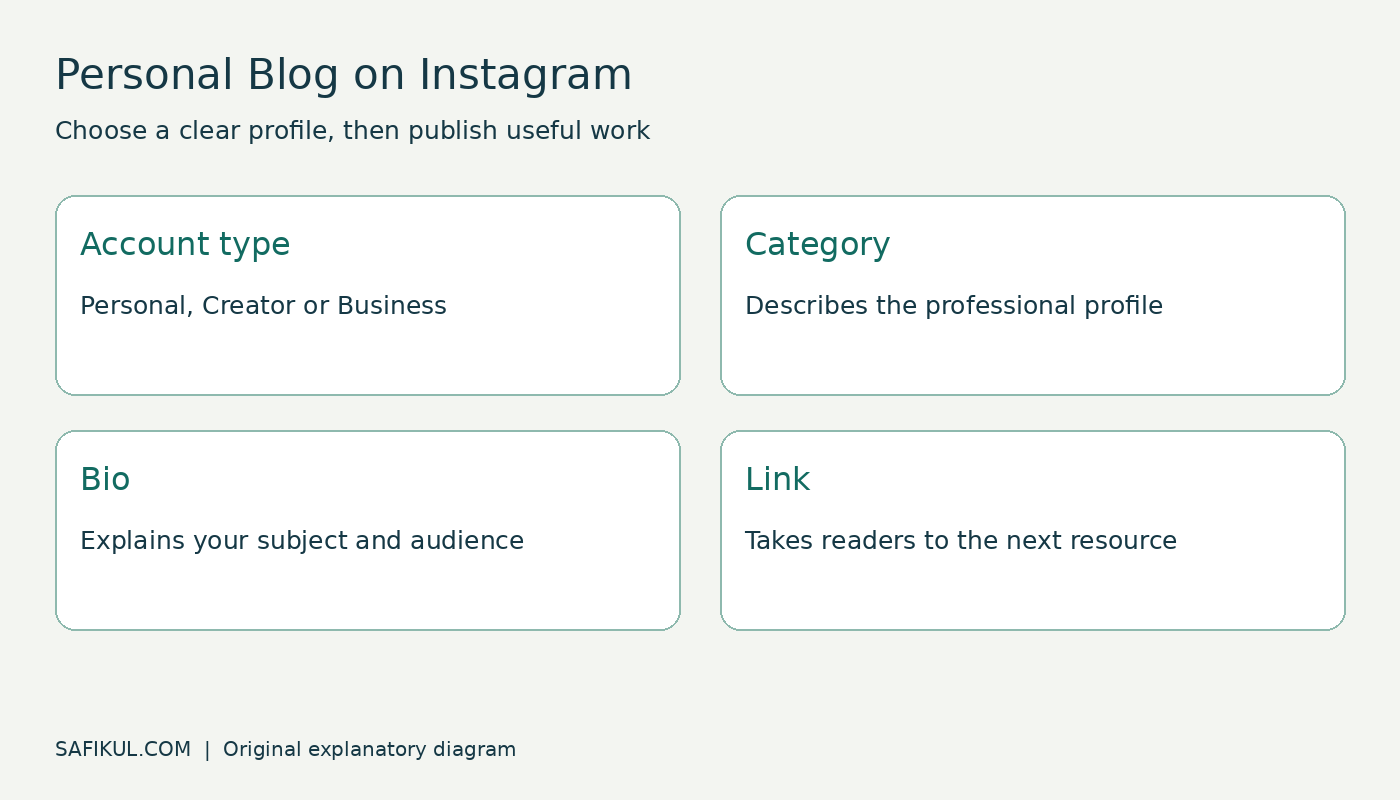
Personal Blog on Instagram is a profile category used to describe an account. It does not create a separate website, verify your expertise or automatically turn your posts into a business. You can also write the words in your bio, but that is ordinary profile text rather than Instagram’s category label.
The decision is less about the label and more about how you want to publish. Do you want a public creator presence, a business profile or a private account for people you know? I would make that choice first and then choose the description that fits.
This guide focuses on the Instagram profile decision. For the wider website format, read my explanation of what a personal blog is.
Separate the category from the account type
Three settings can look similar when you are starting out: your account type, your category and your bio. They do different jobs.
| Setting | What it describes | Example |
|---|---|---|
| Account type | The kind of Instagram account you use | Personal, Creator or Business |
| Category | A label describing a professional profile | Personal Blog, if offered in your category search |
| Bio | Your own explanation of who the account helps | Practical lessons for first-time founders |
| Website link | A destination outside the profile | Your articles, portfolio or enquiry page |
Creator and Business are professional-account options. Personal Blog is not a fourth account type. Meta has documented category editing for professional creators through Edit profile and Category in its announcement about creator category tags. That announcement explains the category concept; it is not a promise that every account today has an identical menu or category list.
Choose the route that fits your goal
If you only want visitors to read the words “personal blog,” adding them to your bio is the simplest route. You do not need to change account type just to write those words. A more descriptive sentence is often more useful: tell visitors what you share and why they might follow.
If you want the official category label and professional tools, review the professional-account setup in the app. Professional accounts are public, so do not switch a private account merely for a decorative label. Review your existing posts and visible contact information before accepting the change.
My practical distinction is this: an individual publishing educational or creative work may prefer Creator, while a shop or service company may prefer Business. Select the option that fits how the account operates. Choosing Personal Blog does not establish eligibility for every professional feature.
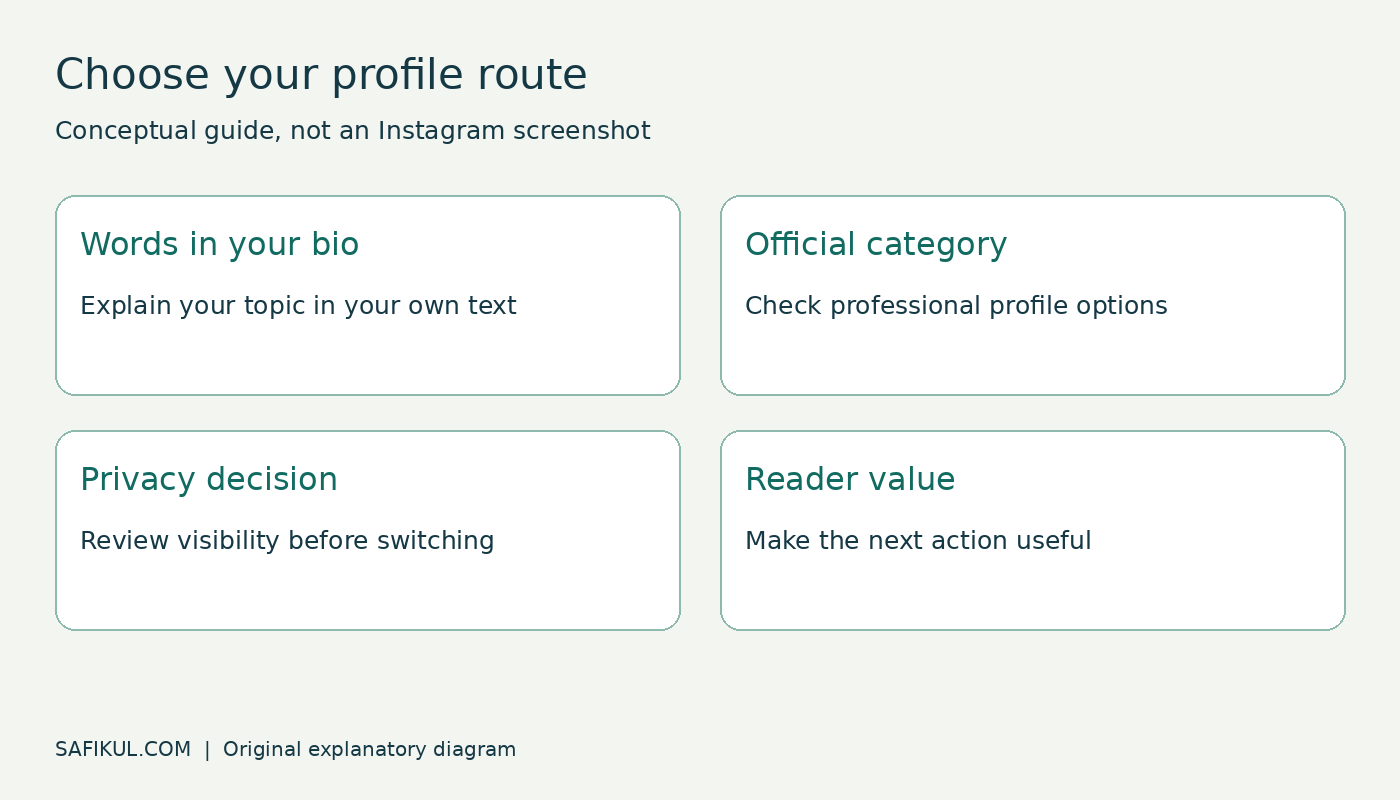
How to add or change the Personal Blog category
Menu wording varies across versions and account states. Treat the following as a route to the relevant controls, and read the confirmation screens on your own account.
- Open your Instagram profile and the menu.
- If you use a personal account, look for Account type and tools and the option to switch to a professional account.
- Review the public-account implications before continuing.
- Search the available categories for Personal Blog and choose it if it accurately describes your work.
- Select Creator or Business when the setup asks for an account type.
- Review optional contact details and any connected-account prompts instead of accepting them automatically.
- Return to Edit profile and check the category and any profile-display controls.
If you already have a professional account, start with Edit profile and look for Category rather than repeating account conversion. Meta’s professional-account setup help is the appropriate reference when your menu differs. Some Help Center pages require access through the app or a signed-in session.
If the selected category is not visible, look for a category-label display control in the profile settings. Then view the profile as another visitor would. Selecting a category and showing its label are separate decisions.
What to do if Personal Blog is missing
Search for the term rather than browsing only the suggested categories. Check that you are editing the correct account and that you are using the app’s current profile controls. An update may change menu placement, but it does not guarantee a particular category will become available.
If the category still does not appear, choose an accurate available description or use the bio. Do not select a misleading profession simply because it sounds more impressive. You can explain your subject clearly without the exact label.
Do not give a third-party service your password to “unlock” the category. There is no need for another person to control your account just to help you write a bio or understand a setting.
Write a bio that says more than Personal Blog
A category is broad. Your bio should make the reader’s next decision easier. I suggest answering three questions: what do you cover, who is it for, and what should someone do next?
For example, a fictional beginner business educator could use: “Simple business lessons for first-time founders. Planning, marketing and practical tools. Read the latest guide below.” A fictional home-cooking creator could say: “Everyday home cooking and kitchen lessons. Find the full recipes through the link below.” These are examples to adapt, not claims about real accounts.
Choose one useful destination for the immediate goal. If your latest post teaches a process, link to the full explanation. If you want enquiries, make sure the destination explains your offer and gives people a usable contact route. A profile label cannot compensate for a broken or confusing landing page.
Build a small content plan around the promise
Before changing the label, write down three posts that would fulfil your bio’s promise. A founder-focused account might explain one customer problem, show one planning worksheet and answer one recurring question. A personal learning journal might share one attempt, one mistake and one useful resource.
For each post, record the reader’s question, the main answer, the evidence needed and the next useful action. Publish at a pace you can maintain. Describe experience you actually have, and clearly separate researched information from your own observations.
Instagram’s Best Practices education hub covers creation, engagement, reach, monetization and guidelines in the professional dashboard. Use available account-specific guidance to refine your work. Do not assume a category switch itself causes an increase in reach.
Instagram profile or your own blog
You can publish useful work on Instagram without immediately buying a domain. A website becomes useful when you need a stable place for long explanations, searchable article archives, downloadable resources or a clearer service journey.
Use the formats together when they serve the reader: a short Instagram post introduces a question, and a longer article explains the steps. Keep copies of your original writing and media. A social account remains dependent on the platform’s features and account rules.
If you decide a website is the next step, my blog setup guide covers that separate project. Avoid building a large site before you know what you will publish.
A profile review you can finish in ten minutes
- Read the bio without looking at your posts. Is the subject clear?
- Check whether the category describes your actual work.
- Review the account’s public visibility and visible contact details.
- Open the profile link on a phone and test the next action.
- Check whether recent posts match the promise in the bio.
- Write down one improvement you can evaluate after publishing.
Measure useful outcomes for your goal, such as relevant replies, enquiries or visits to a helpful resource. A larger follower count is not automatically a better business result. My guide to improving Instagram engagement explores content work beyond the profile label.
Frequently asked questions
Does Personal Blog mean the account is private?
No. The word personal describes the category’s subject or voice, not a privacy guarantee. Check the account’s actual privacy settings. Adding the words to a bio does not itself change those settings.
Does the category pay creators?
No payment follows simply from selecting a label. Any monetization opportunity has its own terms, eligibility and practical requirements. Start with useful content and a clear audience rather than assuming the category unlocks income.
Do I need a website to describe my profile as a personal blog?
The category does not itself create or prove ownership of a website. If you refer readers to a separate blog, provide a working link and describe what they will find there.
Can a business owner use Personal Blog?
It can describe an individual’s writing about business. For a company account, choose the most accurate available business category instead of copying a creator’s label. The purpose of the account should guide the decision.
Choose a truthful description, make the privacy decision deliberately and give readers a reason to return. The label is a small part of a useful publishing presence.