

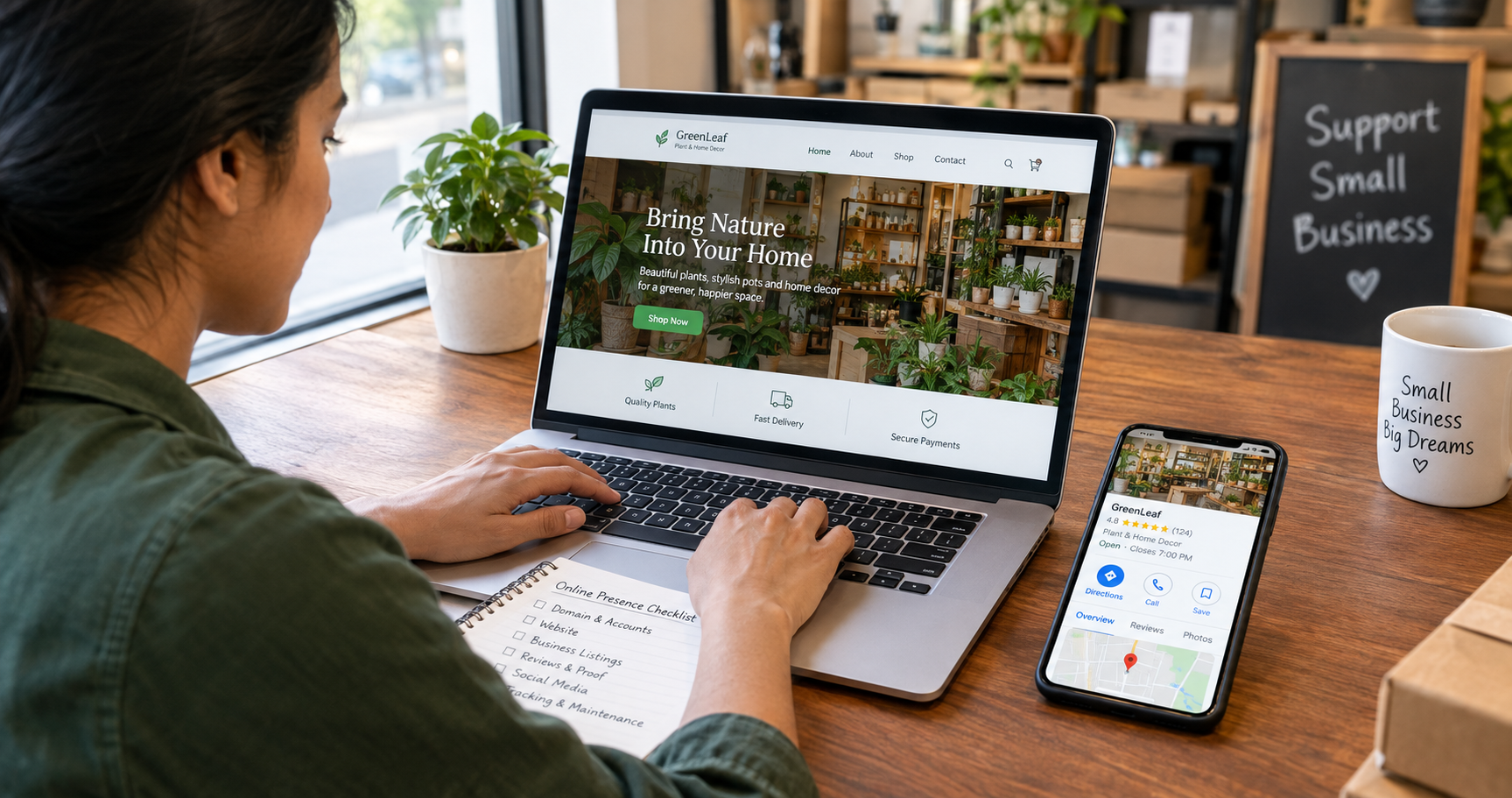
If you want to know how to build an online presence, do these things in this order: secure your domain and accounts, build a clear website, make your business facts consistent, claim your free listings, collect real proof, choose one channel to publish on, and track and maintain it all. The first four matter most. Without them, social posts and ads have little to stand on.
An online presence is what a customer finds when they look for you: your website, your Google and map listings, your reviews, your social profiles, and now the answers AI assistants give about you. Most small businesses have pieces of this by accident. The goal of a checklist is to make it deliberate, accurate and safe.
This guide is part of my online marketing guides. It also covers three things most checklists miss: protecting what you build, checking what AI says about you, and keeping it all current.
What an online presence actually includes
| Layer | What it is | Examples |
| Owned | Things you control | Website, domain, business email, email list |
| Listed | Profiles you claim on other platforms | Google Business Profile, Bing Places, Apple Business, industry directories |
| Earned | What others say about you | Reviews, mentions, referrals, press |
| Social | Where you publish and talk to people | Instagram, Facebook, LinkedIn, YouTube, WhatsApp |
| Answered | What assistants and AI summaries say | Google AI features, Maps answers, ChatGPT and others |
A strong presence has three qualities: it is visible, so people can find you; accurate, so what they find is true and consistent; and trusted, so they have a reason to contact you. Build in that order.
Before you start: three decisions
- Who do you serve, and where? Write one sentence: who you help, with what, in which area. Every profile and page should repeat it in plain words.
- What is the one action you want? A call, a booking, a quote request, a purchase. Choose a primary action and make it easy everywhere.
- What are your facts? Create a one-page fact sheet, described next. It is the most useful document in this whole checklist.
Your one-page fact sheet
Open a document and write down the details exactly as you want them to appear everywhere. Copy from it every time you create or update a profile.
| Item | What to include |
| Business name | The exact legal or trading name and any short version you use |
| Address and service area | Street address, or the areas you serve if customers do not visit you |
| Phone, email, website | One main number, one business email address, one primary web address |
| Hours | Regular hours and how you handle holidays |
| Services or products | A short list in the words customers use, with price ranges if you can share them |
| Description | One sentence and one short paragraph |
| Proof | Years in business, qualifications, notable clients you may name |
| Logo and photos | The approved files to reuse |
Step 1: Secure your name and your accounts
This comes first because losing control of your domain or a key account can undo everything else. It is also the step most checklists skip.
- Register your domain in your own name, with your own email as the registrant contact. If a web designer, agency or friend set it up, check who actually owns it, and move it to your control if it is not you.
- Turn on automatic renewal and keep the payment method current. An expired domain can disappear from search and email overnight.
- Use a different strong password for each important account, in a password manager, and keep recovery email addresses and phone numbers up to date.
Turn on 2-Step Verification for your Google account, your domain registrar, your website hosting and your social accounts. Google’s help page notes that passkeys and security keys give stronger protection against phishing than text codes.
- Give each person their own login instead of sharing one, and remove access when someone leaves.
- Claim your business name as a handle on the main social platforms even if you do not plan to use them yet, so nobody else takes it.
Step 2: Set up business email on your own domain
An address at your own domain looks more trustworthy than a free mailbox, and it ties your brand together. It also needs to be set up properly, or your messages may land in spam.
Google’s email sender guidelines say that, since February 1, 2024, all senders to Gmail accounts must set up SPF or DKIM for their sending domains, and that bulk senders of about 5,000 or more messages a day need SPF, DKIM and DMARC. Google also recommends that you always set up all three. Your email or hosting provider’s help pages explain how to add the records to your domain.
Send a test message to a few different mailbox providers, including a free one, and check that it arrives in the inbox. The same setup also helps contact form notifications from your website reach you.
Step 3: Build a simple website that answers questions
You do not need a large site. You need a clear one that works on a phone, loads reasonably fast, is secure, and answers what a customer wants to know before contacting you.
The pages most small businesses need
- Home: who you help, with what, where, and the one action you want.
- Services or products: one page for each main offer, with plain descriptions and, where you can, prices or ranges.
- About: real people, real photos, your story and credentials.
- Contact: phone, email, address or area, hours, a form, and a WhatsApp link if you use it.
- Proof: reviews, case studies, examples of your work.
- FAQ: the questions customers ask on calls and in messages, answered in plain words.
- Policies: a privacy policy, plus a cookie notice where the law in your market requires one. Rules differ by country, so check yours or ask a professional.
Make it secure, fast, and usable
Security matters more this month. The Chrome Security Team announced that, with Chrome 154 in October 2026, Chrome would turn on “Always Use Secure Connections” by default, asking visitors for permission before the first visit to any public site without HTTPS. Make sure your whole site loads over HTTPS with a valid certificate, with no warnings and no insecure pages.
For speed, Google’s Core Web Vitals describe a good experience as a Largest Contentful Paint of 2.5 seconds or less, an Interaction to Next Paint of 200 milliseconds or less and a Cumulative Layout Shift of 0.1 or less, measured at the 75th percentile of real visits. Check your key pages in PageSpeed Insights and fix the biggest causes, usually oversized images and heavy scripts.
Test every page on a real phone. Check that text is readable, buttons are easy to tap and nothing covers your contact options. Basic accessibility also helps everyone: readable contrast, descriptive image text and clear headings. The W3C’s Web Accessibility Initiative explains the fundamentals.
If you need a site, my web design guides and WordPress guides cover the options. Google’s SEO Starter Guide explains how to make pages clear for search.
Step 4: Make your facts consistent everywhere
Use your fact sheet to make sure your name, address, phone number, hours, services and description match on your website, your listings and your social profiles. Small differences, such as “Street” and “St.” or an old phone number, confuse customers and the systems that summarize your business.
On your website, put your key details in plain text on a contact or about page, not only in images. You can also add LocalBusiness structured data, which Google says lets you tell it about business hours and other details. It is optional, and Google’s guidance on AI features says no special markup is needed for them, so treat it as a tidy way to state your facts rather than a ranking trick.
Step 5: Claim your free listings
If customers find you by place or area, claim your Google Business Profile first. Complete every field, choose the right primary category, add real photos and your services, and keep hours current. The Business Profile Help Center covers verification.
A lot of checklists still describe features Google has removed, so check what you follow against this.
| Feature | Status | What to do instead |
| Chat from the profile | Retired July 31, 2024 | Show a phone number, website and the messaging channel you actually answer |
| Public Q&A | Retired; the API ended Nov 3, 2025 | Answer common questions on your website and in your profile fields |
| Ask Maps answers | Launched 2026, rolling out by country | Keep profile, website and reviews accurate, since they are what it draws on |
Sources: 9to5Google on the chat shutdown and BrightLocal on the Q&A removal and Ask Maps. Ask Maps availability varies by country, so check where your customers search.
Then add the other free listings that apply to you. Bing Places and Apple Business are free in the guides I reviewed and feed Microsoft and Apple products, and Bing Places can import from Google. Add relevant industry and local directories too. Check each service’s current terms, and update all of them together whenever a detail changes.
Step 6: Collect and show proof
People contact businesses they can judge. Proof turns a stranger into a prospect.
- Ask happy customers for reviews soon after the work, with a direct link. Do not offer rewards for reviews, and do not ask only the customers you expect to be positive.
- Reply to every review, including critical ones, calmly and specifically.
- Publish two or three short case studies: the problem, what you did and the result, with the customer’s permission.
- Show real photos of your work, premises and team instead of stock images.
- Keep credentials and affiliations factual and easy to verify.
Invented testimonials or inflated numbers damage trust faster than having no proof at all.
Step 7: Choose one channel to publish on
Pick the platform where your customers already spend time and where you can show your work cheaply. Instagram and Facebook suit many local and consumer businesses, LinkedIn suits professional services, and YouTube suits businesses whose customers search for how-to answers. Do one well before adding another.
Decide what you will post, how often you can realistically keep it up for ninety days, and what you want people to do next. A modest routine you follow beats an ambitious one you abandon.
My content marketing guides explain how to choose topics that match what customers ask.
Step 8: Own an audience
Social platforms change their rules, so build a list of people who agreed to hear from you: email subscribers, WhatsApp contacts or both. Ask permission, include an easy way to unsubscribe, and send something useful. Free email plans have shrunk recently, so check a provider’s current limits before you commit to one.
Step 9: Make sure search and AI can find and read you
Check access, not tricks
Set up Google Search Console for your site so you can see how Google crawls it. Make sure your site is not blocking search crawlers by accident through robots.txt, a firewall or a security plugin.
OpenAI’s crawler documentation lists separate crawlers: OAI-SearchBot is for search, GPTBot is used for training, and ChatGPT-User handles certain user actions, and you can manage each in robots.txt. That means you can make a choice about training without also hiding your site from search. Decide deliberately, rather than copying a rule from the internet.
For Google’s own AI features, its guidance says the established SEO fundamentals still apply and that no special optimization or markup is required. Nobody can guarantee a citation. I go deeper in my guides to optimizing for AI search and Google AI Overviews and SEO.
Do a brand audit
Ask a few AI assistants and Google’s AI features simple questions a customer might ask: who is your business, what do you offer, where are you, what are your hours, and who is best for a certain need in your area. Write down what they say.
If something is wrong or missing, do not argue with the assistant. Look for where the wrong fact comes from, such as an old directory, a mismatched listing or a vague page, and fix it there, then check again after a few weeks. This is a way to find inaccuracies, not a way to control the answer.
Step 10: Track it and keep it current
Set up Google Analytics and mark your key actions, such as form submissions and clicks on your phone number or WhatsApp link, as key events. Since May 13, 2026, it has also had an AI Assistant channel for visits from assistants such as ChatGPT, Gemini and Claude, so check it along with Referral. Keep a simple lead log of calls, messages and inquiries, and ask every new customer how they found you.
Then put a recurring review in your calendar. A presence that was accurate last year can be wrong today.
| How often | What to check |
| Monthly | Reviews and replies, listing details, website form test, key events and inquiries |
| Quarterly | Facts across all profiles, broken links, page speed, HTTPS certificate, AI brand audit |
| Yearly | Domain and hosting renewals, who has account access, privacy policy, photos, About page |
| Whenever things change | Hours, prices, services, address, phone, team, holiday schedule |
A 15-minute presence audit
Do this before and after you work through the checklist.
- Search your business name in a private window. What appears first, and is it correct?
- Search what you do plus your area. Do you appear in the map results or listings?
- Open your website on your phone. Does it load over HTTPS with no warning, and can you find your contact details in five seconds?
- Submit your contact form and check the notification arrives.
- Compare your name, address and phone number across your website, Google, Bing and Apple listings.
- Ask an AI assistant who you are and what you offer. Note any errors.
- Check who owns your domain and when it renews.
A 30-day plan
The timing is a rough planning guide for one person working part time, not a benchmark.
| When | Focus | What you finish |
| Week 1 | Protect | Fact sheet, domain ownership and renewal, 2-Step Verification on key accounts, business email set up and tested |
| Week 2 | Build | Website basics on HTTPS: home, services, about, contact, FAQ; mobile and speed checks |
| Week 3 | Claim and match | Google Business Profile, Bing Places, Apple Business, other directories, all matching the fact sheet |
| Week 4 | Prove and measure | First review requests sent, one case study, Search Console and Analytics set up, brand audit done, calendar reminders created |
What to prioritize by type of business
| Business type | Focus on first | Then add |
| Local service | Google Business Profile, reviews, a clear contact page, WhatsApp | Service pages with prices, local directories |
| Online shop | Product pages, trust details such as policies and contact, email list | Reviews on product pages, video, one social channel |
| Consultant or B2B service | Specific service pages, About page, proof, LinkedIn | Case studies, newsletter, speaking and guest content |
| Creator or publisher | A home base site, email list, one main channel | Search Console, collaborations, a media kit |
Common mistakes to avoid
- Letting an agency or freelancer register your domain in their name.
- Skipping 2-Step Verification, then losing a key account.
- Using different names, numbers or hours on different platforms.
- Building on five social platforms and neglecting the website and listings.
- Leaving the site on HTTP, or with expired certificates and mixed insecure content.
- Following advice that relies on retired features, such as profile chat or Q&A.
- Buying reviews or followers, or offering rewards for reviews.
- Never checking what search and AI assistants say about you.
- Treating the checklist as a one-time job instead of a recurring review.
When it makes sense to get help
Most of this checklist costs only time. Get help for the parts that are technical or time-consuming: building or fixing the website, setting up email authentication and security, or planning SEO and social media. My company Leelija provides web, app and software development alongside SEO and social media marketing. Whoever you choose, keep ownership of your domain, accounts and content in your own name. My digital marketing guides cover what to do after the foundations are in place.
Frequently asked questions
Secure your domain and accounts, build a clear website, make your business facts consistent, claim your free listings, collect real reviews and proof, pick one channel to publish on, and track and maintain it. Do the first four before anything else.
It is everything customers can find about your business online: your website, listings, reviews, social profiles and the answers search engines and AI assistants give about you.
Start with a one-page fact sheet, register a domain in your own name, set up business email, and create a simple website with home, services, about, contact and FAQ pages. Then claim your Google Business Profile and other free listings and ask customers for honest reviews.
You can set up the basics in a few weeks. Building reputation, reviews and search visibility takes months. Treat it as an ongoing habit, not a launch.
Yes, I would build one. A website is the one place you control, it is where listings and search send people, and it gives AI and search systems something to read. Social profiles can supplement it, not replace it.
It is essential for local businesses but not enough alone. A website, consistent listings on other platforms and real reviews all support it. Google also retired chat and public Q&A on profiles, so your website and reviews now carry more of the explaining.
Make your facts accurate and consistent on your website and listings, keep your site accessible to search crawlers, and check what assistants say every few months. If you find errors, fix the sources. Nobody can guarantee what an AI will say.
Check key details monthly and do a fuller review quarterly. Update immediately when hours, prices, services, address or contacts change.