

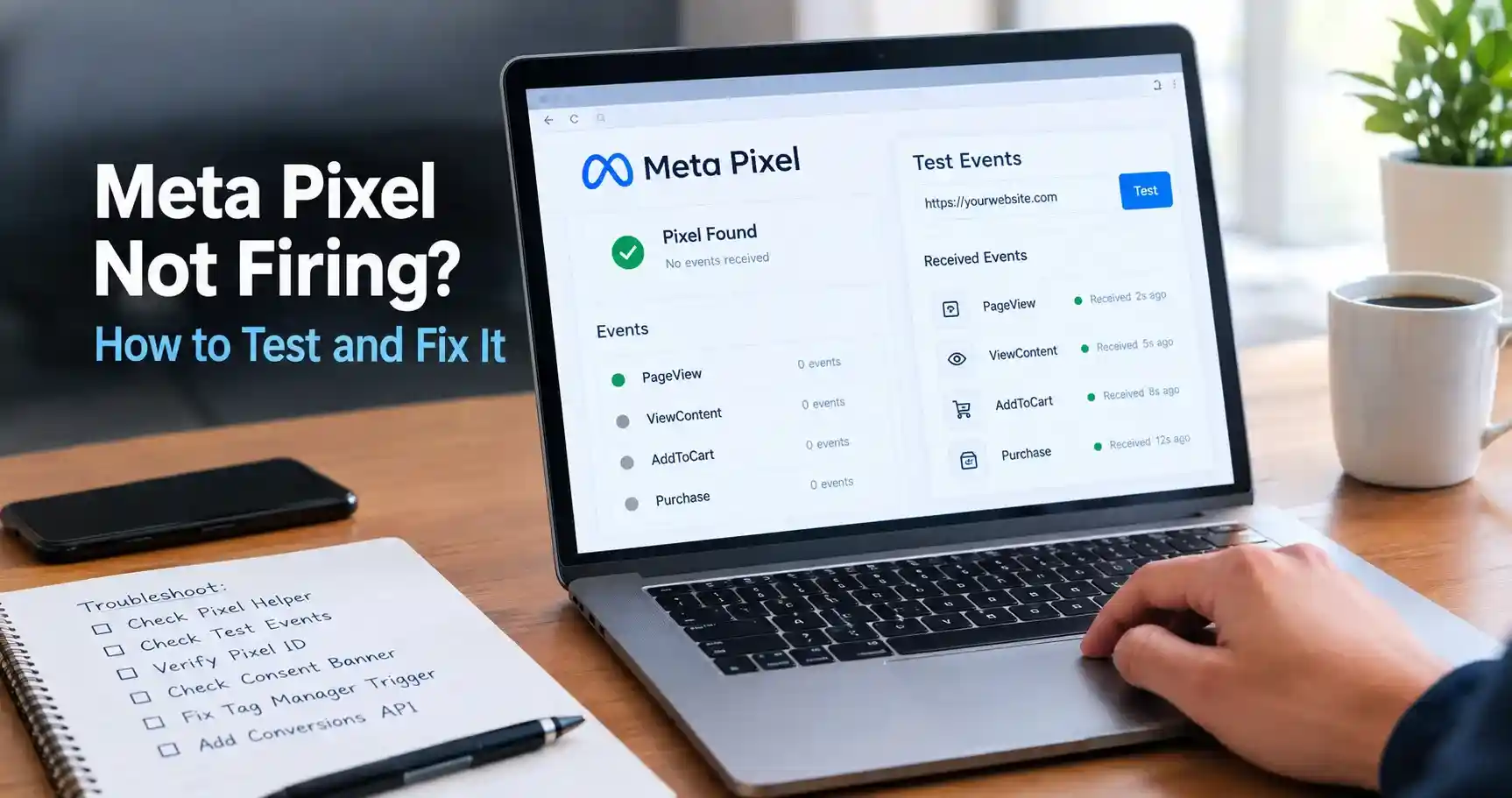
Before you troubleshoot anything, confirm the actual problem. “Meta Pixel not firing” covers two genuinely different failures: the pixel never loading in the browser at all, or the pixel firing but the event never reaching Meta. They have different causes and different fixes, and most of the time wasted on this problem comes from treating them as the same issue.
This guide starts with how to actually test which one you’re dealing with, works through the causes in the order worth checking them, and covers why Conversions API has stopped being optional for anyone serious about their ad data.
Step 1: Confirm what’s actually broken
Two tools answer two different questions, and you need both.
Meta Pixel Helper: does the pixel fire in the browser?
Install Meta’s own Pixel Helper Chrome extension, open your site, and click the icon. A pixel ID with events listed means the browser-side pixel fired. No pixel found, or a pixel with zero events, means it didn’t. Important limitation worth knowing: Pixel Helper only sees client-side (browser) events. If you’ve set up Conversions API, a server-side event can be working perfectly while Pixel Helper shows nothing, because it’s simply not looking at that layer.
Test Events in Events Manager: Did the event reach Meta?
In Events Manager, open your dataset and go to the Test Events tab, enter your site URL, and click through your site. Events should appear in real time as you navigate and take actions. This tool sees both browser pixel events and Conversions API events, which is exactly why comparing its results against Pixel Helper tells you something useful: if Pixel Helper shows the event firing but Test Events never shows it, the problem is downstream, not with your pixel code.
| What you see | What it tells you |
| Pixel Helper: no pixel found | The base code isn’t loading. Check placement, consent blocking, or ad blockers. |
| Pixel Helper: pixel found, no events | Base code loaded but event-tracking calls aren’t firing. Usually a tag manager or implementation gap. |
| Pixel Helper shows events, Test Events shows nothing | A delivery problem: domain mismatch, wrong Pixel ID, or a network/firewall block between browser and Meta. |
| Both tools show the event correctly | Firing and delivery are both working; if ad performance still looks wrong, look at Event Match Quality instead. |
The most common reasons a pixel doesn’t fire
Check these in roughly this order, since earlier causes are both more common and faster to rule out.
1. A consent banner is blocking it
If your site runs a cookie consent tool (OneTrust, Cookiebot, or similar) in opt-in mode, the pixel is supposed to stay silent until a visitor consents, by design. The common bug isn’t that it blocks consent-less visitors correctly; it’s that the pixel stays silent even after someone accepts, because the tag isn’t actually wired to listen for the updated consent state.
Test it directly: open your site in a private window, accept the consent banner, and watch Pixel Helper or the Network tab for a facebook.com/tr request. If it stays silent after full acceptance, your consent integration is broken and not working as intended.
2. The pixel is installed more than once
Multiple initializations of the same pixel, or two different pixel IDs on one page, commonly happen when a developer hand-installs the pixel while a tag manager is also firing it, or when the official Meta Pixel plugin and a separately installed snippet both run. This doesn’t always look like “not firing”; it can look like inflated or duplicated event counts instead, which is its own kind of broken.
3. A Google Tag Manager trigger never completes
The tag exists and looks correctly configured, but its trigger is waiting for a dataLayer event (a purchase, an add-to-cart) that the site never actually pushes anymore, often because a theme update or checkout redesign silently removed the push. The tag shows as “active” in GTM and fires for exactly nobody. Use GTM’s Preview mode, perform the action on your live site, and watch whether your trigger event appears in the event stream at all.
4. Ad blockers are removing it before it loads
A meaningful share of website visitors run browser extensions or built-in browser features that block tracking domains outright, including connect.facebook.net. When that happens, the pixel script never loads in the first place; there’s no error to debug because, from the blocked browser’s perspective, the request never happened. This isn’t something you fix at the pixel level, which is exactly why Conversions API exists (covered below).
5. The code is only on some pages, or in the wrong place
The base pixel code needs to load on every page you want tracked, and Meta’s own implementation documentation specifies it belongs in the page header so it loads before most other scripts. A pixel added only to the homepage, or buried deep in a footer template that some page types don’t use, will show healthy activity on some pages and nothing on others.
6. A redirect-based checkout skips the Purchase event entirely
If your checkout hands off to a separate payment processor’s hosted page and redirects back to a generic “thank you” page rather than one tied to the actual order, the Purchase event, and the value and currency parameters that go with it, can simply never fire. This is common with certain payment gateway integrations and is worth testing with an actual real (or fully refundable test) transaction, not just by browsing the page in Pixel Helper.
Pixel firing correctly but still missing data?
If both Pixel Helper and Test Events confirm events are arriving, the remaining issue usually isn’t “firing” at all, it’s Event Match Quality, Meta’s measure of how well an event’s parameters let it match that action to a real person. Low match quality means events are technically arriving but with too little usable customer data (email, phone, or other identifiers) attached for Meta to use them effectively for optimization. Check this under the event’s details in Events Manager rather than assuming a technically “successful” event is a fully useful one.
Why you shouldn’t rely on the browser pixel alone
Everything above assumes the browser pixel is your only signal, which is exactly the assumption worth dropping. Meta’s own Conversions API sends events from your server directly to Meta, bypassing the browser entirely, which means it isn’t affected by ad blockers, browser privacy settings, or a consent banner misconfiguration on the client side.
This isn’t a theoretical benefit. Meta’s own Dataset Quality API documentation publishes real, measured figures on what Conversions API recovers: it reports a median of 32.9% additional conversions reported for Search events, and 30.1% for PageView events, among advertisers who added Conversions API alongside an existing Pixel. These are Meta’s own disclosed medians, not a marketing estimate, and they vary by event type, so treat them as the right order of magnitude rather than a number your specific account will match exactly.
If you run both the browser pixel and Conversions API (the setup Meta itself recommends, called a redundant setup), make sure you’re using the event_id parameter for deduplication, so the same real-world action sent from both the browser and your server doesn’t get counted twice.
A step-by-step diagnostic flow
- 1. Run Meta Pixel Helper on your site. No pixel at all means a loading problem: check placement, consent blocking, and ad blockers first.
- 2. If the pixel loads but shows no events, check your tag manager’s trigger configuration and dataLayer pushes using GTM Preview mode.
- 3. If events show in Pixel Helper, open Test Events in Events Manager and confirm the same events arrive there.
- 4. If Pixel Helper shows events but Test Events doesn’t, check your Pixel ID matches between your code and Events Manager, and confirm domain verification is complete.
- 5. If everything fires and arrives correctly, check Event Match Quality rather than assuming the job is done.
- 6. Regardless of what you find, set up or audit Conversions API with proper deduplication, since browser-only tracking is structurally incomplete even when it’s working exactly as designed.
Common mistakes that waste time
- Testing only in your own regular browser, where you’re often logged into Facebook and may not have a consent banner or ad blocker active the way a real visitor would.
- Assuming Pixel Helper showing green means everything is fine, when it only checks the browser layer and says nothing about Conversions API or data delivery.
- Fixing a duplicate pixel installation by adding yet another instance to try to force it to work, rather than identifying and removing the extra source.
- Treating a low Event Match Quality score as a “pixel not firing” problem, when the event is arriving fine and the actual gap is in customer-identifying parameters.
Frequently asked questions
Install Meta Pixel Helper and visit your site; a pixel ID with listed events confirms browser-side firing. Then check the Test Events tab in Events Manager to confirm those events are actually reaching Meta, since the two tools check different things.
It can, by design, until the visitor consents. The common bug is that it keeps blocking the pixel even after someone accepts, because the pixel tag isn’t correctly wired to the consent management tool’s updated state.
Yes. Many ad blockers block the pixel’s underlying tracking domain outright, so the script never loads for those visitors, and there’s nothing to debug on the pixel side for that traffic specifically. This is the core reason Conversions API, a server-side alternative, exists.
This gap is common and is exactly what Conversions API is designed to close. Meta’s own Dataset Quality API documentation reports median improvements in the 30% range for advertisers who add server-side events alongside their existing pixel.
Yes. Meta recommends running both together (a redundant setup) with event deduplication via the event_id parameter, rather than replacing one with the other. Each layer catches events the other can miss.
A pixel not firing means the event never happens or never arrives at all. Low Event Match Quality means the event does arrive, but with too little customer-identifying information for Meta to confidently match it to a real person, which is a data-quality problem, not a firing problem.