

OpenAI began rolling ChatGPT Space out globally to Plus subscribers aged 18 and older on 20 November 2026. The expansion lets more people create interactive pages and presentations together, but ChatGPT Space client sharing limits are important for anyone delivering work to customers: recipients need permission and an eligible paid account with Space access.
Free users can’t open shared pages or presentations, and public links aren’t available. For an agency sending a proposal, the first check is whether the client can open it.
What changed for Plus subscribers
The 20 November release notes describe collaborative pages and presentations, with the ability to set content to update from connected apps and tools. Space replaces Library in the sidebar for accounts with access. Pages can be created and edited on the web, desktop, iOS and Android.
This is a rollout, so a Plus subscription doesn’t prove the feature has reached an account. It is an expansion of access, not the first launch of Space. The announcement doesn’t specify a separate Space fee or promise unlimited usage.
OpenAI’s getting-started guide says Projects remain separate. It also flags delayed Space availability for Business and Enterprise workspaces with Canadian or UAE data residency. Those workspace exceptions matter even though the Plus announcement says the rollout is global.
The client needs access too
Shared pages require a signed-in Plus, Pro, Business or Enterprise account with Space access. Managed-workspace sharing policies can impose further restrictions. Check the actual recipient account before treating a Space link as the final deliverable.
There is another detail in the getting-started guide: access can come from the page itself, its parent or its containing space. Removing a direct invitation doesn’t remove access inherited from a parent. Moving a page can change its audience.
Check both levels.
For a client project, I would start with a separate page containing only the agreed brief. If the client needs to comment through a different system or can’t open Space, agree on a document or presentation format they already use. Don’t make a subscription upgrade an unexpected part of accepting your work.
A shared page can reveal more than its source links
OpenAI’s sharing and data guide distinguishes page access from private chats and Memory. Sharing a page doesn’t expose those private areas. However, personal context written onto the page is visible to its readers.
Uploaded files follow the page’s permissions. A link to a separately stored file doesn’t grant access to that source, but copying or summarizing its contents onto the page makes that information visible there.
Training controls also follow the person whose agent uses the content. Your personal setting doesn’t control a collaborator’s interactions. OpenAI says it doesn’t train on Business and Enterprise data by default.
My recommendation is to review the actual text and attachments before inviting anyone. A restricted source document is not protection for information already copied into a shared brief.
My business take is to test a complete handoff
Analysis: Space could reduce the back-and-forth involved in revising a brief, especially when both parties already have access. The benefit depends on the whole handoff, including who can read it, who can change it and how a final decision is recorded.
Consider an illustrative website project at an agency such as Leelija. The shared page could contain the approved scope and questions for the client. Internal pricing discussions should stay elsewhere. Before using automatic updates, decide which sources may contribute and who checks a changed deadline or commitment.
I would run one modest pilot and record whether the client opened the page successfully, whether edits reached the right person and how much checking the final version needed. These are proposed evaluation steps; I haven’t tested this rollout or measured client results.
My small-business automation guide explains how to connect a recurring task to a result you can evaluate. The same principle applies here: choose the task before adding automation. For broader tool selection, my business AI comparison offers a starting framework.
Before your next proposal, confirm recipient access, review the visible content and agree where the approved version will live. That is a more useful first test than creating a large client workspace nobody has tried opening.
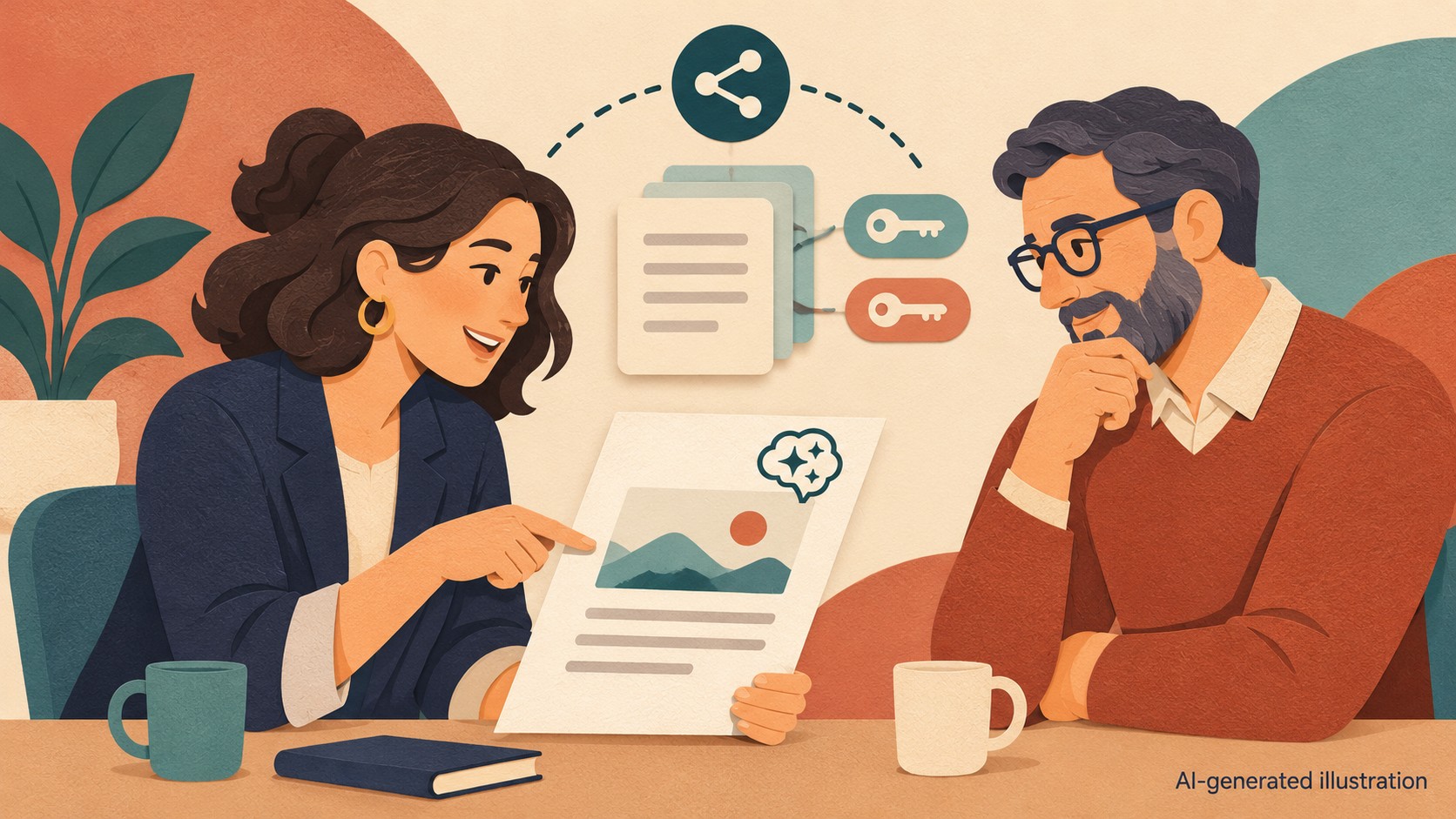
Sources checked 22 November 2026. Rollout and access details are attributed to OpenAI; business recommendations are analysis. Featured image is an AI-generated illustration, not a product screenshot.