

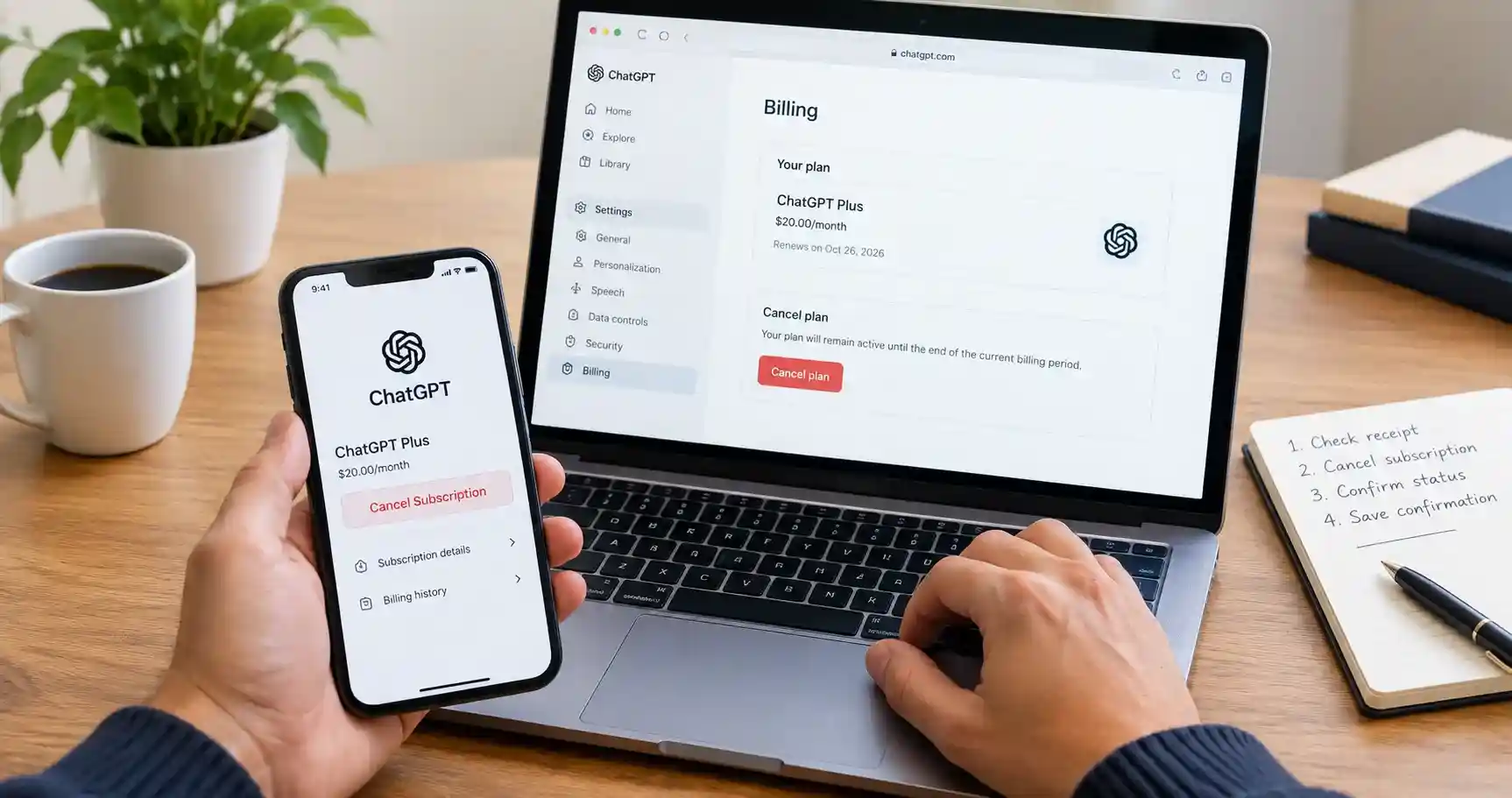
To cancel your ChatGPT subscription, use the platform that handles your payment. For a web purchase, open ChatGPT’s Settings, select Billing and choose Cancel under Cancel plan. Apple and Google Play purchases are managed through their respective subscription settings.
If you searched “ChatGPT cancel subscription” because another payment is approaching, start by checking your receipt. The device you use today may not be the platform where you originally paid.
My advice is to finish the cancellation, check the subscription status and save the confirmation. That small final check is useful whether you are reducing personal expenses or reviewing software costs for your business.
Find the correct cancellation route
Use your purchase receipt and billing history to choose the relevant instructions below. OpenAI explains that subscriptions on different platforms can create separate charges.
| Where you purchased | Where to manage it | Account to check |
|---|---|---|
| ChatGPT website | ChatGPT Settings and Billing | The ChatGPT account used to subscribe |
| Apple App Store | Apple subscription settings | The Apple Account shown on the receipt |
| Google Play | Google Play subscriptions | The Google Account used for the purchase |
For example, using ChatGPT on an iPhone does not establish that Apple bills you. You could have purchased on the website and then signed in on your phone.
Before proceeding, note the plan name, the payment platform and the renewal date. This gives you a clear record if you need help later.
How to cancel ChatGPT subscription on the web
For a subscription purchased directly through the ChatGPT website:
- Sign in at chatgpt.com.
- Open the account menu and select Settings.
- Select Billing.
- Under Cancel plan, select Cancel and complete any confirmation shown.
This follows OpenAI’s current cancellation instructions. Older screenshots may show different menu labels.
If the screen you see does not match, compare it with the live help article. Avoid clicking an upgrade or making a second purchase while trying to find your existing subscription.
How to cancel ChatGPT Plus subscription on iPhone or iPad
If your receipt shows an Apple App Store purchase:
- Open the Settings app on your iPhone or iPad.
- Tap your name, then Subscriptions.
- Select ChatGPT.
- Tap Cancel Subscription and complete any confirmation requested.
Apple’s cancellation guide says you may need to scroll down to find the button. If the subscription shows an expiration message in red or no Cancel button, Apple says it is already canceled.
If ChatGPT is missing, check which Apple Account appears on the receipt. Do not assume an empty list means there is nothing to cancel across all your accounts.
No longer have your Apple device? Apple’s guide also provides a web cancellation route. Use the Apple Account associated with the subscription.
How to cancel ChatGPT subscription on Android
For a Google Play purchase:
- Open Google Play subscriptions using the Google Account that paid.
- Select ChatGPT.
- Choose Cancel subscription.
- Complete the remaining instructions.
You can access subscriptions through Google Play on your Android device or use the website. Google’s subscription help explains that uninstalling an app does not cancel its subscription.
If ChatGPT is not listed, check other Google accounts you use. Keep the purchase receipt beside you so you can match the account rather than guessing.
Afterward, record the status and the displayed end date. Removing the app can wait until you have completed the billing task.
When cancellation takes effect
OpenAI advises canceling at least 24 hours before the next billing date. Ordinary cancellation leaves paid access available until the current period ends. A granted refund can end the access covered by that payment earlier.
I recommend handling it as soon as you decide, rather than waiting for the final evening. Put the displayed end date in your calendar if you need to finish work that depends on paid features.
How to confirm the subscription is canceled
Reopen the subscription page on the billing platform and check its status. Save a screenshot or confirmation record, including the date.
My suggested record is simple:
- Account used and payment platform.
- Plan name and displayed access end date.
- Date you completed the cancellation.
- Confirmation email or screenshot, if available.
If no email arrives, inspect the subscription status and spam folder before concluding that the process failed. An email search alone is not a complete billing check.
For a business expense, update your software register and inform whoever reconciles the payments. This prevents an old subscription from remaining in your budget after you have stopped renewing it.
Cancellation and refunds are separate requests
Canceling renewal does not automatically return an earlier payment. OpenAI’s refund policy generally treats payments as non-refundable, subject to stated exceptions and applicable rights.
As checked for this article, an unused individual purchase may qualify for a discretionary refund when requested within seven days, subject to eligibility conditions. This is not an unconditional seven-day refund promise. The policy also describes regional provisions for the EU, UK, Turkey and Korea.
For web and Google Play purchases, OpenAI directs refund requests to its Help Center chat while signed in to the account associated with the charge. Explain the reason and provide the payment details requested through the official support channel.
For Apple purchases, request the refund from Apple. Its refund instructions direct users to reportaproblem.apple.com, where they can select the purchase and submit a reason.
Check the current policy before applying. Do not assume that forgetting to cancel or changing your mind automatically qualifies.
What to do when cancellation is not working
You cannot find the paid subscription
Match the receipt to the account and platform before doing anything else. Your ChatGPT sign-in, Apple Account and Google Account may use different email addresses.
OpenAI’s billing overview identifies the available billing settings. Use it to locate the correct product rather than trying every menu in the app.
Write down which accounts you have checked. This is particularly helpful when you have both a personal and a work email.
You no longer have access to the account email
For direct ChatGPT billing, contact OpenAI Support with the account email, payment card’s last four digits and latest payment date. Do not send the full card number.
Use the chat bubble at the OpenAI Help Center, following its support instructions. Describe the problem clearly and include a screenshot of an error if relevant, with sensitive information removed.
A useful message is: “I want to stop renewal of my ChatGPT subscription, but I cannot access the original account email. Please help me locate and cancel the subscription. I can provide the requested billing verification details through this support conversation.”
You see a charge after canceling
Compare the charge with your receipt, cancellation record and renewal date. Check for another active subscription on a different account or platform.
OpenAI’s guidance on avoiding duplicate subscriptions is useful when you have used both the app and website. Canceling one subscription does not resolve a separate active subscription elsewhere.
When asking for help, identify the specific charge by date and amount. “I canceled but was charged” becomes easier to investigate when it includes a clear timeline and the relevant receipt.
You removed your payment card
Removing a payment method does not cancel a subscription or reverse an existing charge. Complete the subscription cancellation itself.
Treat card management and subscription management as separate tasks. A missing card is not the confirmation you are looking for.
Canceling ChatGPT Business or stopping API charges
For self-service ChatGPT Business, use Workspace settings, then Billing, Manage plan, and Cancel subscription. Ask the workspace owner if you cannot access the required controls. Enterprise and Edu are outside this self-service cancellation guide.
For a company account, coordinate with the person responsible for the workspace before making changes. Check which colleagues and ongoing tasks depend on it.
API billing is separate from ChatGPT billing, as OpenAI’s billing documentation explains. Canceling a personal ChatGPT plan does not stop a separately billed API integration.
If your aim is to reduce all AI spending, list the subscriptions and API organizations individually. A website chatbot or automation may incur charges independently of the ChatGPT app you open in your browser. If you are reviewing connected workflows, my guide to AI business automation provides the wider business context.
Can you subscribe again later?
Check the plans available when you return. Do not assume the same offer, price or tier will remain available indefinitely.
One current exception deserves attention: OpenAI’s Pro guidance describes a pause on new Pro $200 subscriptions and upgrades beginning September 10, 2026, introduced because of demand for its Astra model. It also describes a limited one-time return for eligible previous subscribers within 30 days after access ends. Review that page if you are canceling this particular tier.
If you currently hold Pro $200, read this before you click cancel or downgrade: your access continues until the end of the billing cycle you already paid for, and you can undo the change in billing settings before that cycle ends. But once that access actually ends, OpenAI’s own guidance states you cannot purchase Pro $200 again until the pause is lifted, and no lift date has been published. Outside the narrow 30-day return window described above, canceling this specific tier right now is not something you can casually reverse next month.
That exception should not distract a Plus subscriber from completing the appropriate cancellation steps. It simply makes “you can always return to the identical plan” an unreliable promise, and for Pro $200 specifically, an unreliable promise with a real, dated consequence.
Finish with a clear billing record
A good subscription decision is one you can verify. Identify who bills you, complete the cancellation in the correct place, and keep a record of the result.
That is the approach I recommend for every recurring software expense. Pay for tools that support your work, and review the ones that no longer do.
Frequently Asked Questions
Use the billing controls or official support route described above. Typing a cancellation request into an ordinary chat is not confirmation that renewal has stopped.
No. Google Play requires cancellation through subscription management. Uninstalling ChatGPT only removes the app from the device.
No. You can stop subscription renewal without deleting the account. Complete the billing task directly rather than using account deletion as a shortcut.
An end date can indicate that access is continuing for a period you already paid for. Check whether renewal is stopped, rather than judging by the presence of paid features alone.
That is a separate decision. First resolve the subscription you no longer want. Then compare tools against the work you need to do and the budget you want to maintain. My guide to the best AI tools for small business can help with that evaluation.