

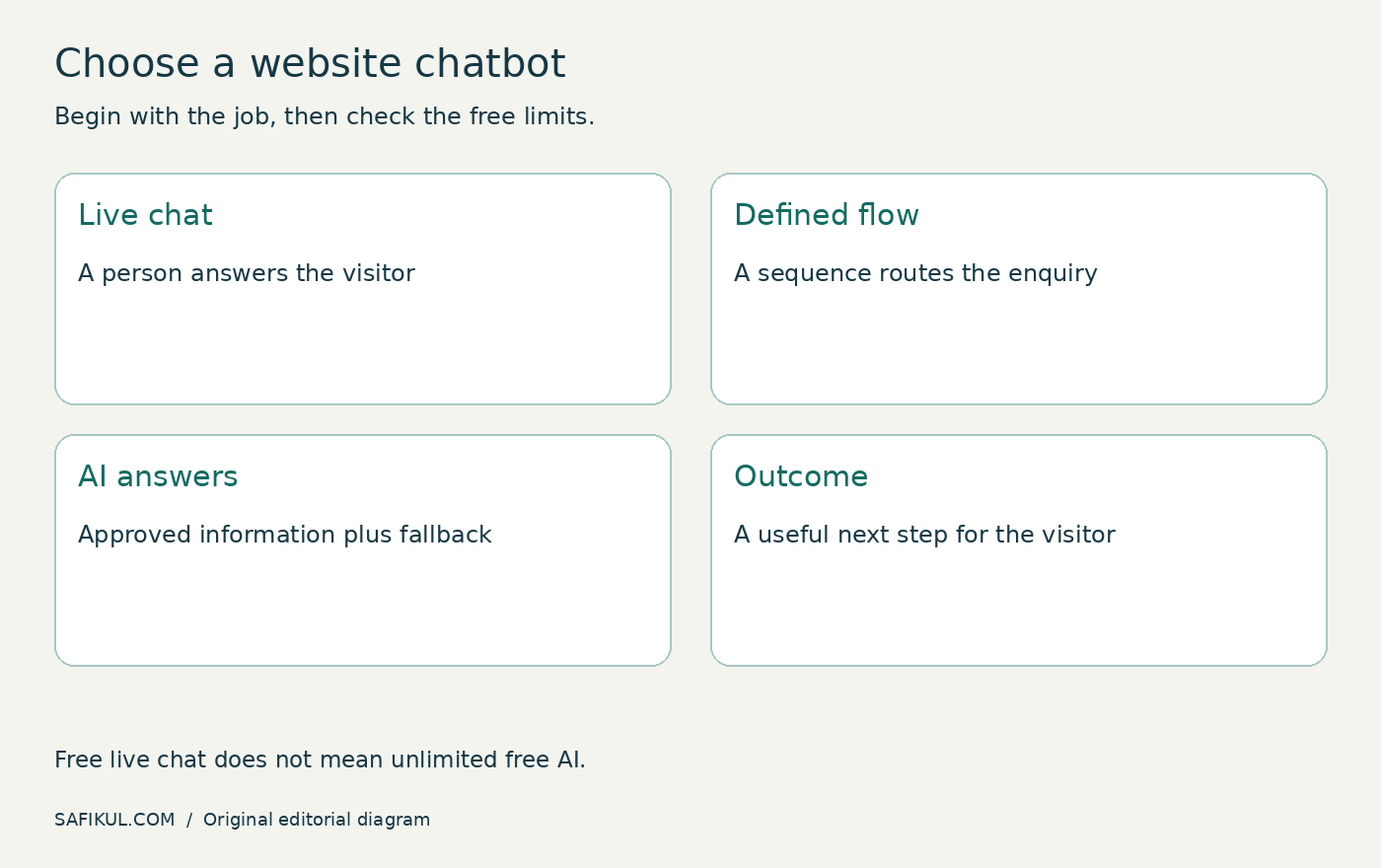
The best free chatbot for a website depends on whether you need live support, a predictable lead-collection flow or AI answers based on your content. Those are different products. Start by choosing the job, then check the free plan’s limits and what happens when you reach them.
I would rather launch a simple enquiry flow that reaches the right person than a clever-looking assistant that invents prices or loses leads. This guide compares three practical starting points and gives you a launch test you can use before placing a widget across your whole website.
Plan information was reviewed on 31 October 2026. This is a documentation-based comparison, not a hands-on benchmark or an affiliate endorsement. Confirm the current account entitlements before installing.
First choose the kind of conversation
| Type | What answers | Suitable starting job |
|---|---|---|
| Live chat | A person | Answering enquiries during staffed hours |
| Rule-based chatbot | A predefined flow | Routing requests and collecting details |
| AI chatbot | A model using instructions and available information | Answering supported questions with a fallback |
A free chat widget is not automatically a free AI agent. A trial can also expose features that disappear when the trial ends. If your goal is to understand the technology first, see my AI chatbot guide.
Three free starting points to compare
| Option | Why consider it | What to verify |
|---|---|---|
| HubSpot chatbot builder | A structured conversation connected to a CRM workflow | Included actions, branding, routing and paid feature boundaries |
| Tidio | A website messaging product with a free plan after the trial | Separate live-chat, flow and AI allowances; whether credits renew |
| tawk.to | A free live-chat starting point when a person will respond | Staffing needs and separate automation or AI terms |
HubSpot: start with a defined lead flow
HubSpot’s official chatbot-builder page offers a free entry point. I would investigate it first when the main requirement is collecting and routing enquiries within a CRM. Check the actual actions available in the free account; a free builder does not imply that every AI, routing or automation capability is included.
A useful first flow might ask whether the visitor needs a quote, support or an existing-project update. Each branch should have a real destination. Do not ask five qualification questions if nobody will use the answers.
Tidio: distinguish the trial from the lasting free plan
Tidio’s pricing documentation describes a seven-day trial followed by a downgrade to its Free plan unless upgraded. That means a successful trial demonstration is not enough to prove your chosen setup will keep working for free.
Write down the live-chat, Flows and Lyro allowances separately. Confirm which allowances renew and which are introductory. Save a dated record of your account’s limits instead of relying on an older comparison article.
tawk.to: consider it when humans provide the answers
tawk.to presents its core live-chat software as free. It is worth considering when you already have someone to handle conversations. Treat automated or AI services as separate capabilities to verify, rather than assuming that “free chat” covers every answer generated for you.
The operational cost is staff time. A free widget with nobody watching can disappoint visitors more than a clear contact form with an honest response-time expectation.
How I would choose between them
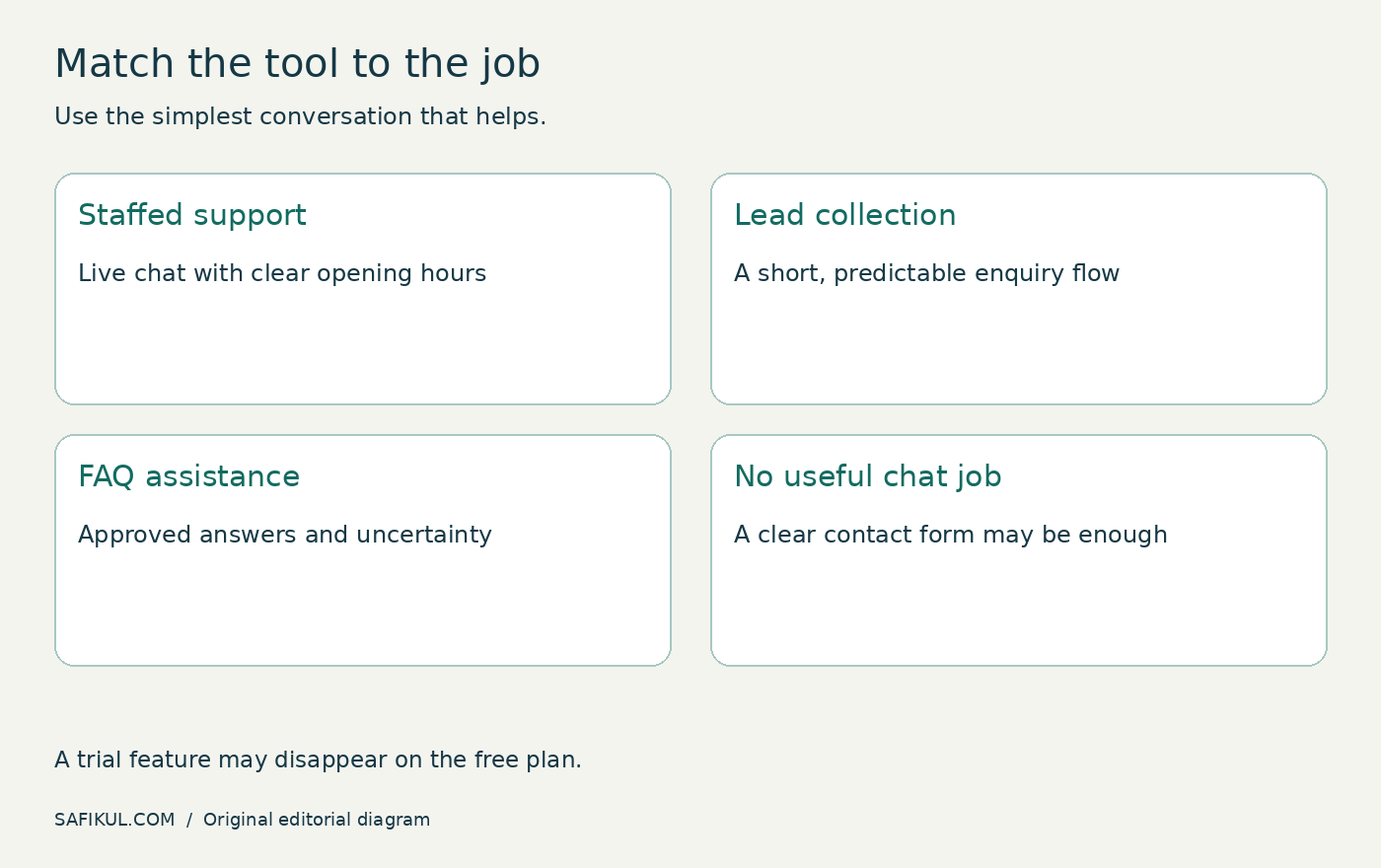
Write a one-sentence requirement: “Collect a website-design enquiry and create a record for follow-up,” or “Answer delivery-policy questions and offer a human handoff.” Then test only tools that can support that job.
- Choose a defined flow when the answers and routes are predictable.
- Choose live chat when knowledgeable staff are available.
- Consider AI when you have accurate source material, a clear refusal boundary and someone to review failures.
- Use a contact form if chat adds complexity without improving the customer’s next step.
My guide to traffic without leads covers the wider conversion problem. A chatbot cannot repair an unclear offer or an unusable mobile page.
Set up a small pilot before a site-wide launch
- Choose one page. Start with a service or contact page where the visitor’s likely purpose is clear.
- Prepare approved information. Use current service descriptions, delivery terms, contact details and support hours.
- Define the fallback. When an answer is unknown, provide a contact route or collect a request without inventing an answer.
- Connect the destination. Confirm the lead reaches the intended inbox or CRM record.
- Install through the supported method. Use the vendor’s current WordPress plugin or installation instructions and avoid loading the same widget twice.
- Test the free entitlement. Check behaviour after a trial ends or a quota is exhausted.
Collect only information needed for the request. Explain why you ask for an email address. Do not invite visitors to paste passwords, payment-card details or confidential documents into a general enquiry widget. Review the vendor’s data terms and your site’s privacy explanation before launch.
Use this acceptance test
Create a labelled test conversation. Ask a normal question, an ambiguous question and a question the bot should not answer. Request a human, then test after hours. Use a phone as well as a desktop.
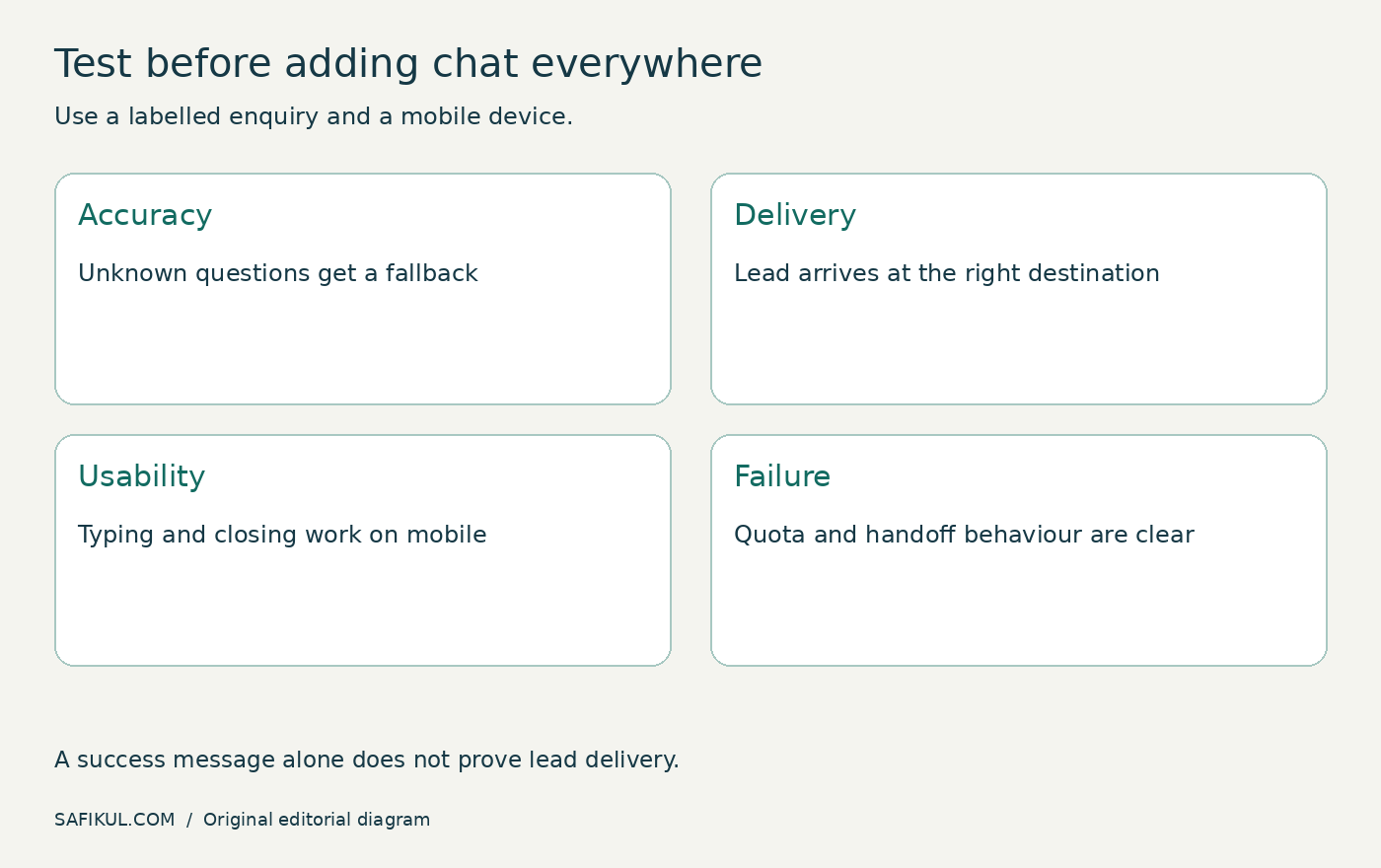
| Test | Passing result |
|---|---|
| Unknown price or policy | Admits uncertainty and offers the right next step |
| Lead submission | Complete record arrives with the relevant context |
| Mobile keyboard and close button | Visitor can type, dismiss and continue using the page |
| Quota or provider failure | Useful fallback appears rather than an endless spinner |
| Human handoff | Destination and expected response time are clear |
Keep a short failure log. “Wrong delivery answer for international order” is actionable; “the AI seems bad” is not. Fix the source information or flow, then repeat the same test.
Measure useful outcomes, not message counts
Track qualified enquiries, completed handoffs and unresolved questions. A long conversation can mean the visitor is confused. For an illustrative example, 40 conversations producing four useful enquiries may be more valuable than 100 conversations producing none.
Also count staff review time and missed follow-ups. The meaningful cost is the whole process, not only the software subscription. Review a small sample weekly and remove a feature if it makes the experience worse.
Frequently asked questions
Is there a completely free unlimited AI chatbot for websites?
Do not assume so. Free live chat, limited AI usage and temporary trial credits are different offers. Verify the specific plan, model or service and the consequence of exceeding its allowance.
Can I add a free chatbot to WordPress?
Many providers offer a plugin or embed method. Check your hosting and plan’s ability to install it, then test caching, mobile layout and duplicate scripts.
Do I need AI to qualify leads?
No. A short branching flow can collect a service choice and contact information. Use AI only when it improves a task you can evaluate.
Will a chatbot improve Google rankings?
A widget is not a ranking guarantee. Judge it on customer usefulness and page experience. Important information should remain available on the website rather than being accessible only through chat.
Start with one job, one page and a clear handoff. If that pilot works within the actual free limits, expand carefully. Reliability matters more than the number of features on the pricing page.