

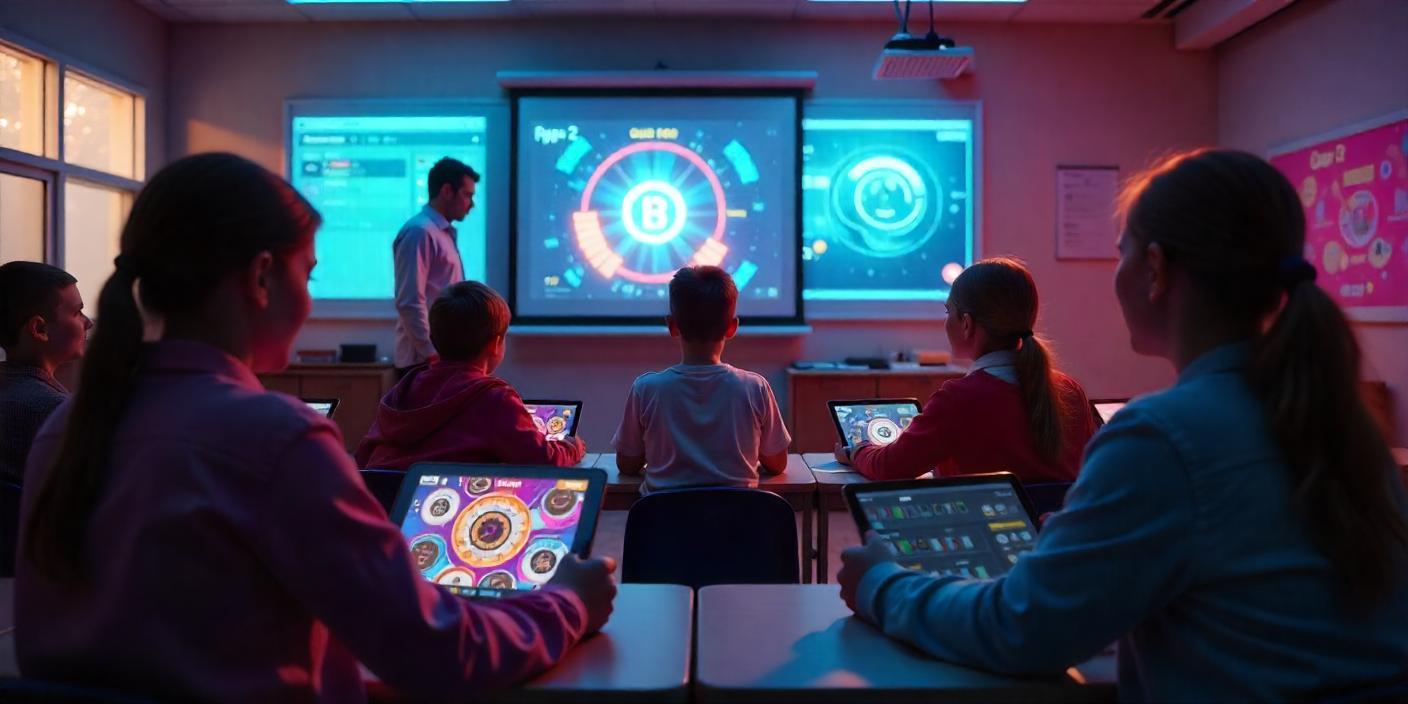
Blooket is a game-based quiz platform where teachers build question sets and students play them as games on their own devices. It has a free tier, and some features sit behind paid plans. It works best for review sessions and practice, not for teaching new material from scratch.
This guide covers what Blooket does, how a teacher starts a game, how students join, its strengths and limits, and what to try if it does not fit your class. I have not run Blooket in a classroom myself, so this is based on how the platform describes itself and on common teacher feedback. Always check Blooket’s own site for current features and pricing.
Quick verdict
- Good for: quick reviews, vocabulary drills and test prep, where students enjoy the game format.
- Less good for: deep discussion, projects or lessons where speed rewards guessing.
- Cost: a free plan exists. Paid plans add features, so check the current pricing page before you budget.
- Needs: an internet connection and a device for every player.
How Blooket works
A teacher creates or picks a question set, then hosts it in a game mode. Students join with a game code, answer questions and earn points or in-game rewards. Different modes change how the questions are wrapped, so the same set can feel different from one session to the next.
How to host a game (teachers)
- Create a free account on Blooket’s website.
- Build a question set or search for a public one that matches your topic.
- Choose a game mode and click to host it.
- Share the game code or link with your class.
- Review the results afterward to see which questions students missed.
How to join a game (students)
- Open Blooket’s join page on a phone, tablet or computer.
- Type the game code your teacher shows.
- Enter a nickname and start playing.
Students usually do not need an account to join a live game, but a free account can save progress and favorites. If the join page will not load at school, the network may block it, so ask your teacher or IT team.
Pros and cons
| Pros | Cons |
|---|---|
| Students find the game format engaging | Needs devices and internet for everyone |
| Many ready-made public question sets | Speed can reward guessing over understanding |
| Free plan available | Some features need a paid plan |
| Quick to set up | Quality of public sets varies, so check answers |
Pricing
Older versions of this review listed monthly prices. Plans change, so I removed the figures. Check Blooket’s own pricing page for what the free and paid plans include today.
Alternatives
- Kahoot! is a well-known live quiz tool with a large library of ready-made quizzes.
- Quizizz lets students work at their own pace and connects with tools such as Google Classroom.
- Gimkit adds an in-game currency and strategy layer. See my Gimkit guide.
FAQs
Is Blooket free?
Blooket offers a free plan. Some features need a paid plan, so check the current pricing page.
Do students need an account to play?
Usually not for a live game. They need the game code and a nickname.
Is Blooket good for learning or just fun?
It is best for review and practice. Pair it with explanation and discussion so students understand the answers, not only race for points.
What is a good Blooket alternative?
Kahoot!, Quizizz and Gimkit are the common ones. The best choice depends on whether you want live play, self-paced practice or strategy elements.
Last reviewed October 20, 2026. This guide now includes the content of earlier posts on joining and using Blooket.
Pingback: Gimkit Review: How It Works, Features and Alternatives